22
Oct
Oct
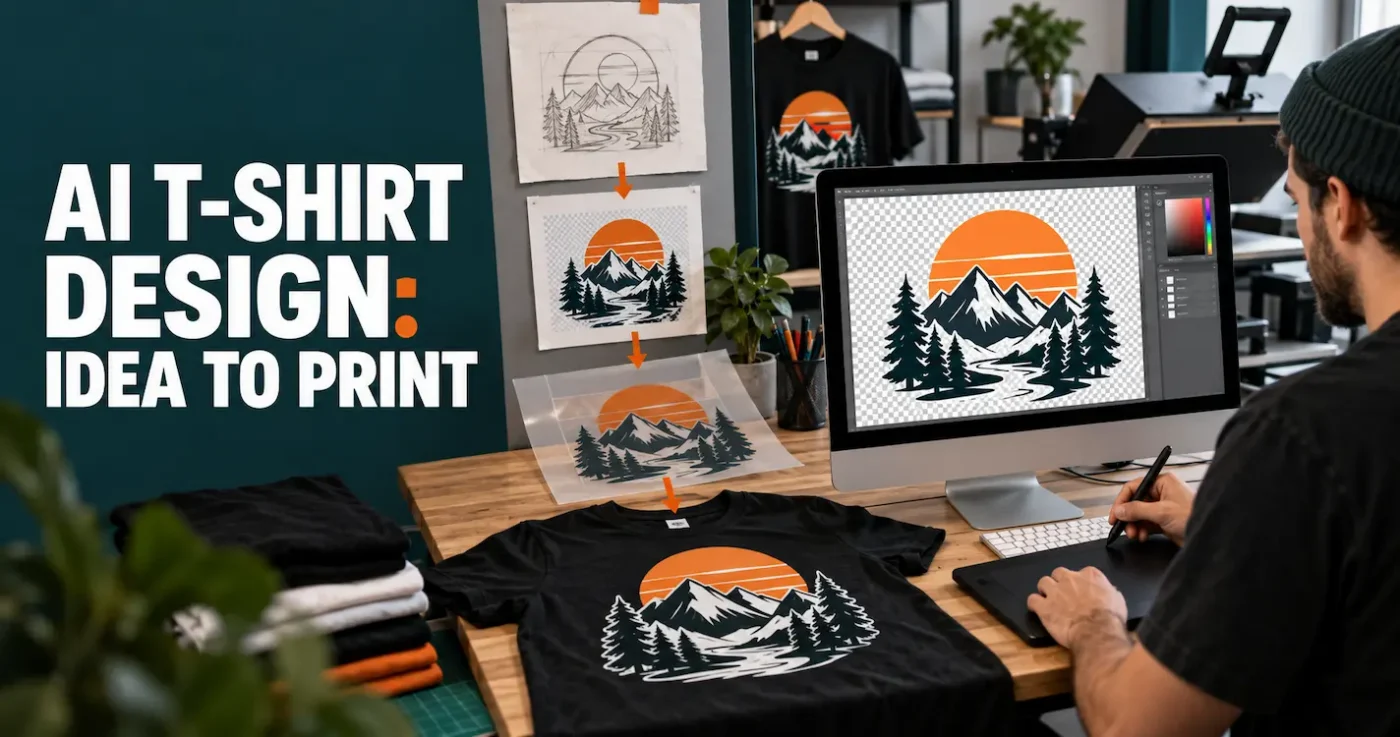
AI can draft t-shirt ideas. You still need a clean PNG and rights to the image. We print Hot Insta Peel DTF in Coorparoo, not an AI art mill.

AI can draft t-shirt ideas. You still need a clean PNG and rights to the image. We print Hot Insta Peel DTF in Coorparoo, not an AI art mill.
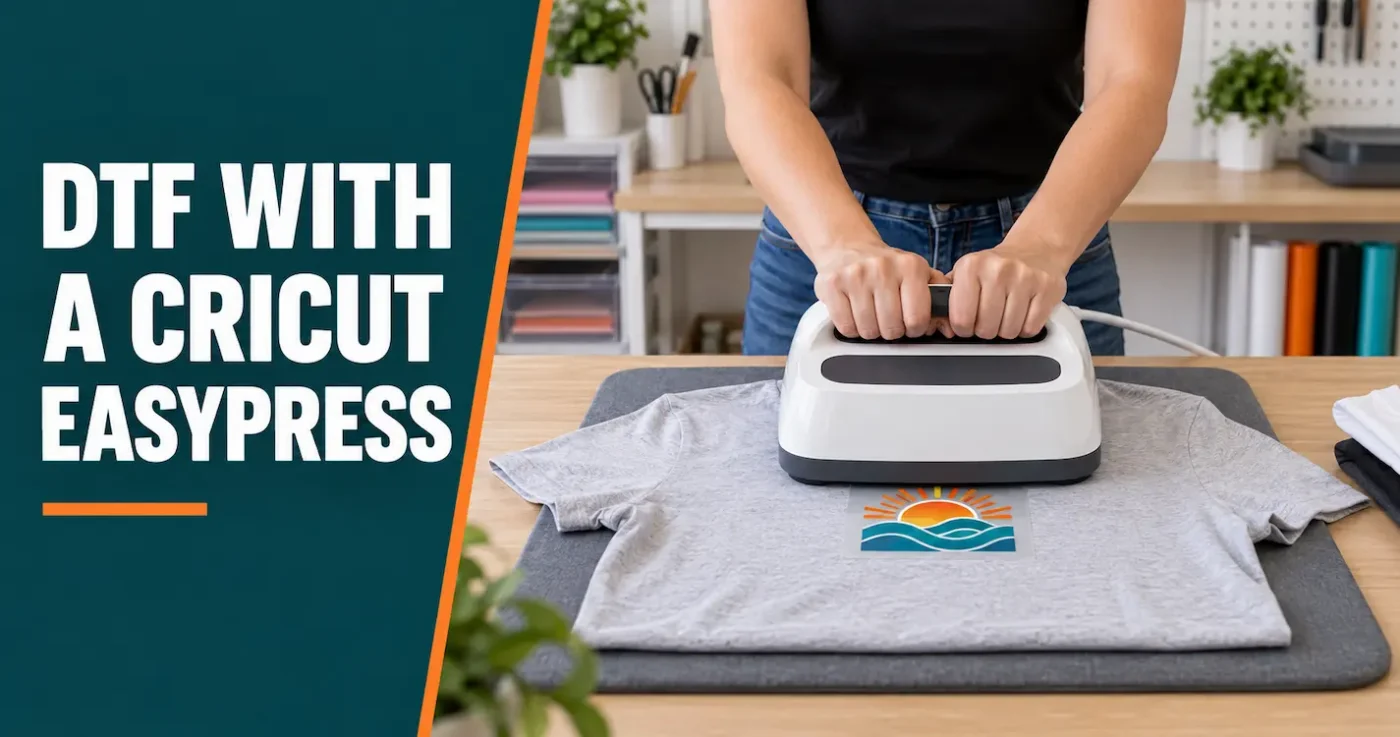
A Cricut EasyPress can apply our DTF when the platen fully covers the design. Cotton and most fabrics: 140°C for 8–10 seconds, peel while hot, then 10 seconds under your own paper or Teflon. Polyester: 120°C for 30 seconds, cold peel, then 10 seconds at 120°C. A household iron is only for iron-on film. If the design hangs past the plate, use a larger press.
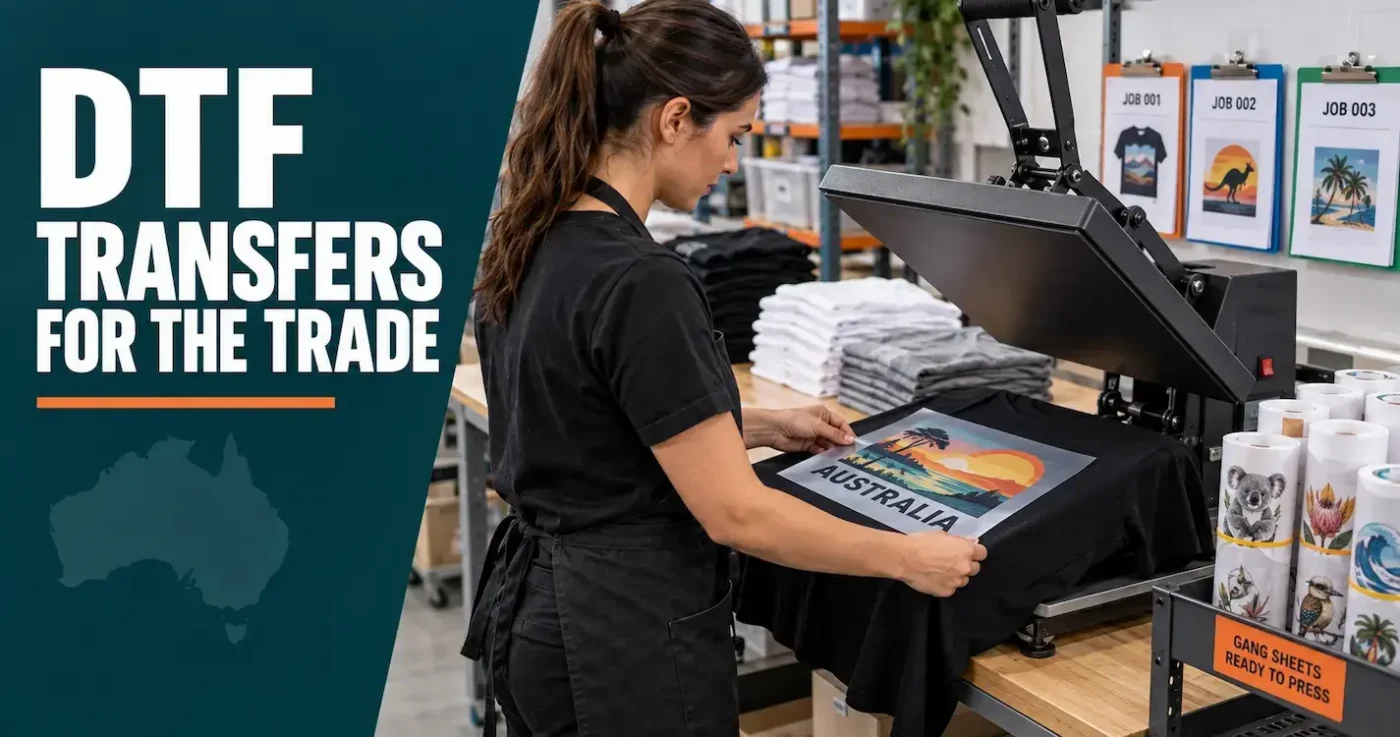
Ready-to-press DTF transfers can help print shops, embroiderers, signwriters and apparel businesses offer detailed full-colour garment printing without operating a DTF printer. This guide covers artwork, ordering, margins, production planning, testing and quality control for trade users.
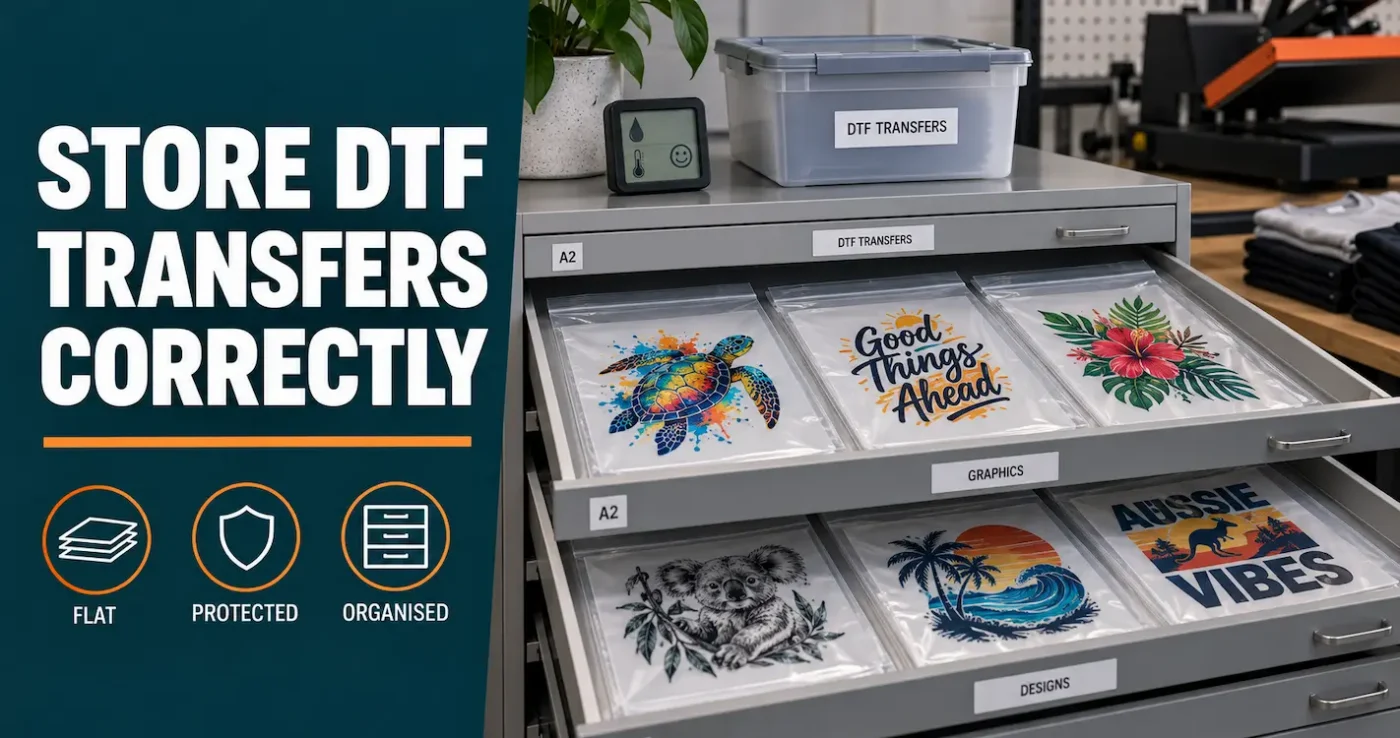
Store unused DTF transfers flat, sealed and protected from humidity, heat, sunlight, dust and creasing. This practical guide explains short- and longer-term storage, stock rotation, warning signs and when to press-test an older transfer before using it on a customer’s garment.
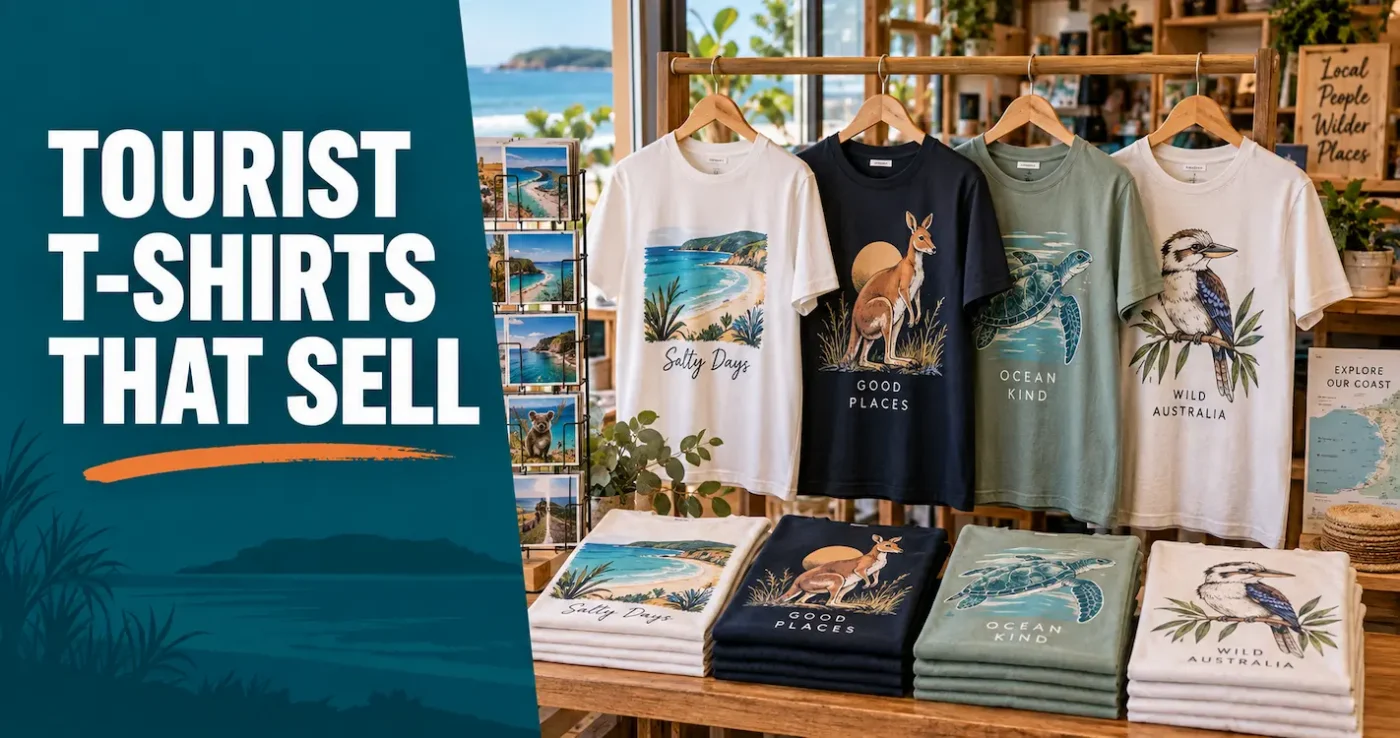
Tourist T-shirts sell best when they feel specific to the destination, look good beyond the holiday and are supported by sensible stock control. This guide explains how Australian retailers, attractions and tour operators can build a small, flexible range using ready-to-press DTF transfers.
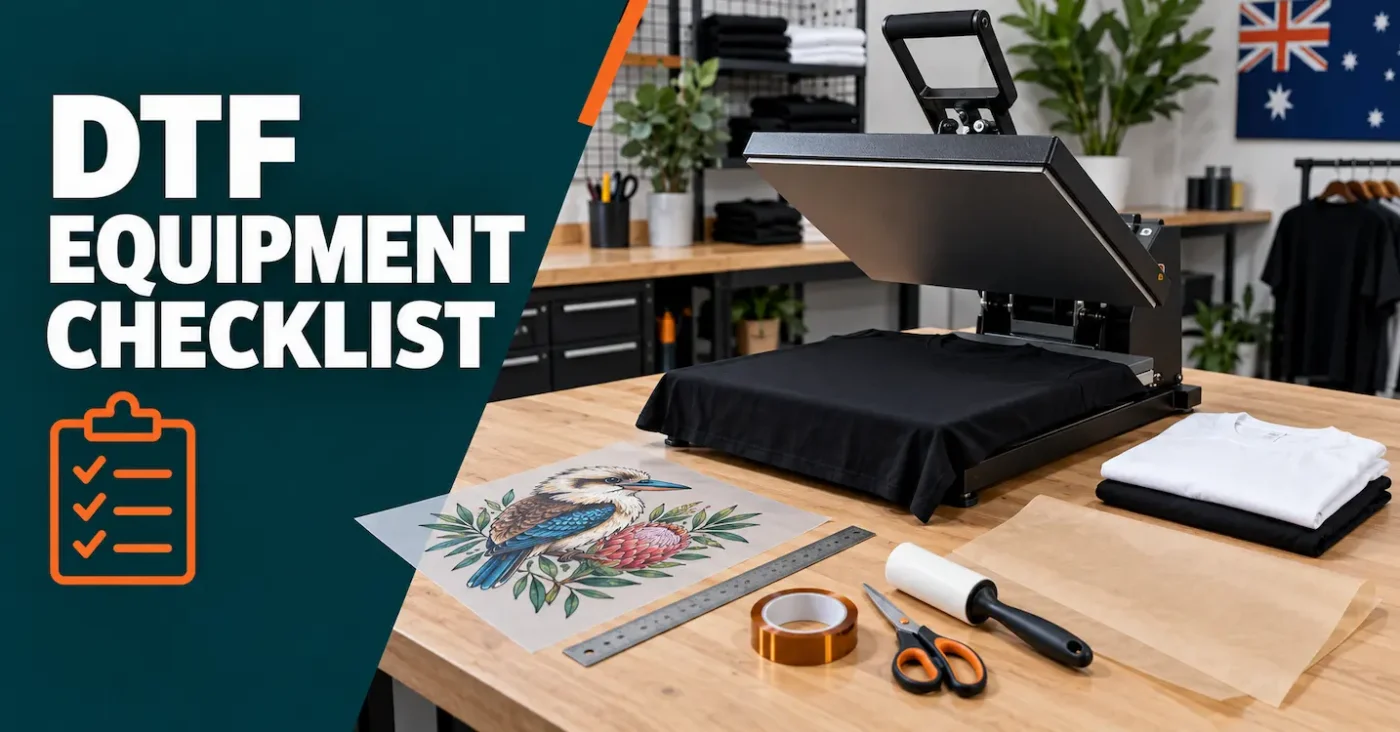
To press our transfers you need a heat press that covers the design, a lint roller, tape, and your own parchment, baking paper, or Teflon. You do not need a DTF printer, powder, or a roll of film. A household iron is only for iron-on transfers. A Cricut EasyPress is enough when its platen fully covers the print. Blank shirts are not part of a transfer order.
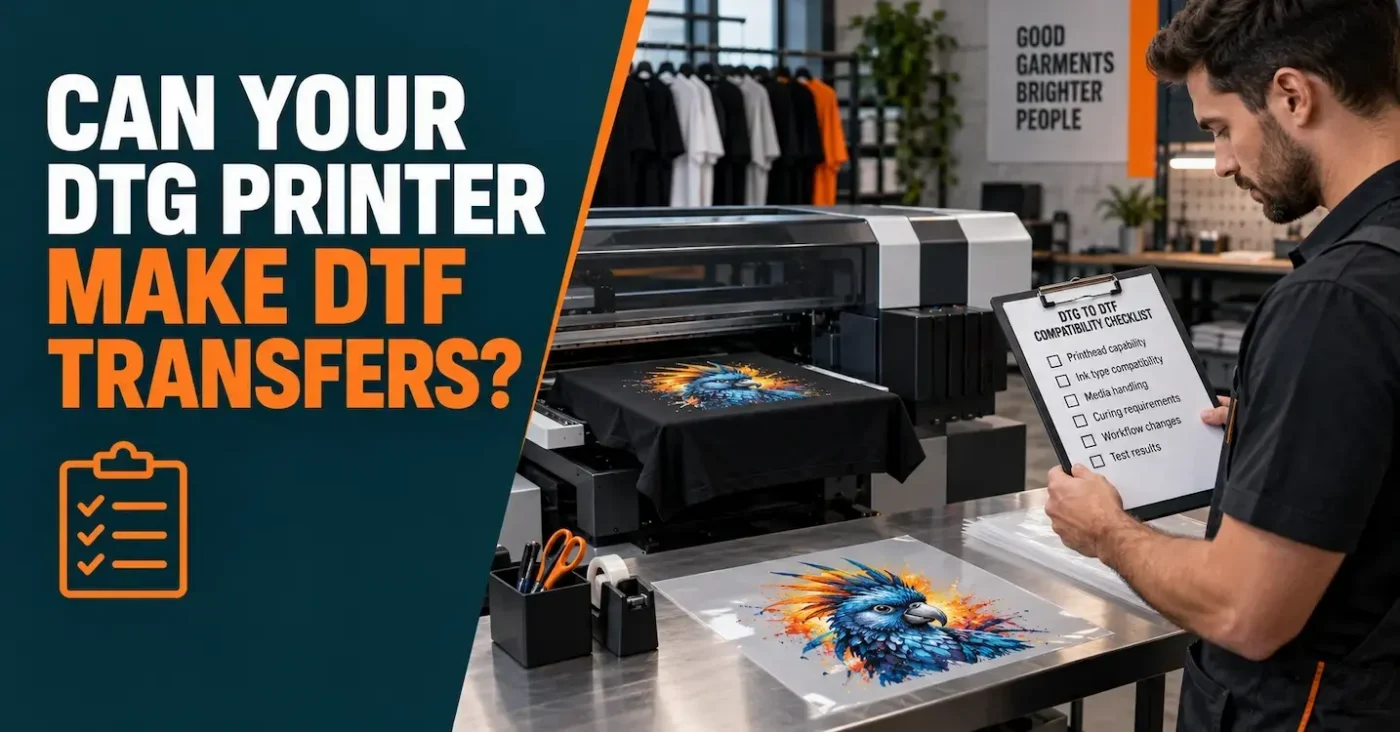
Some DTG printers can also produce DTF transfers, but compatibility depends on the exact model, approved ink, software, film handling and finishing process. Use this checklist before changing your workflow.
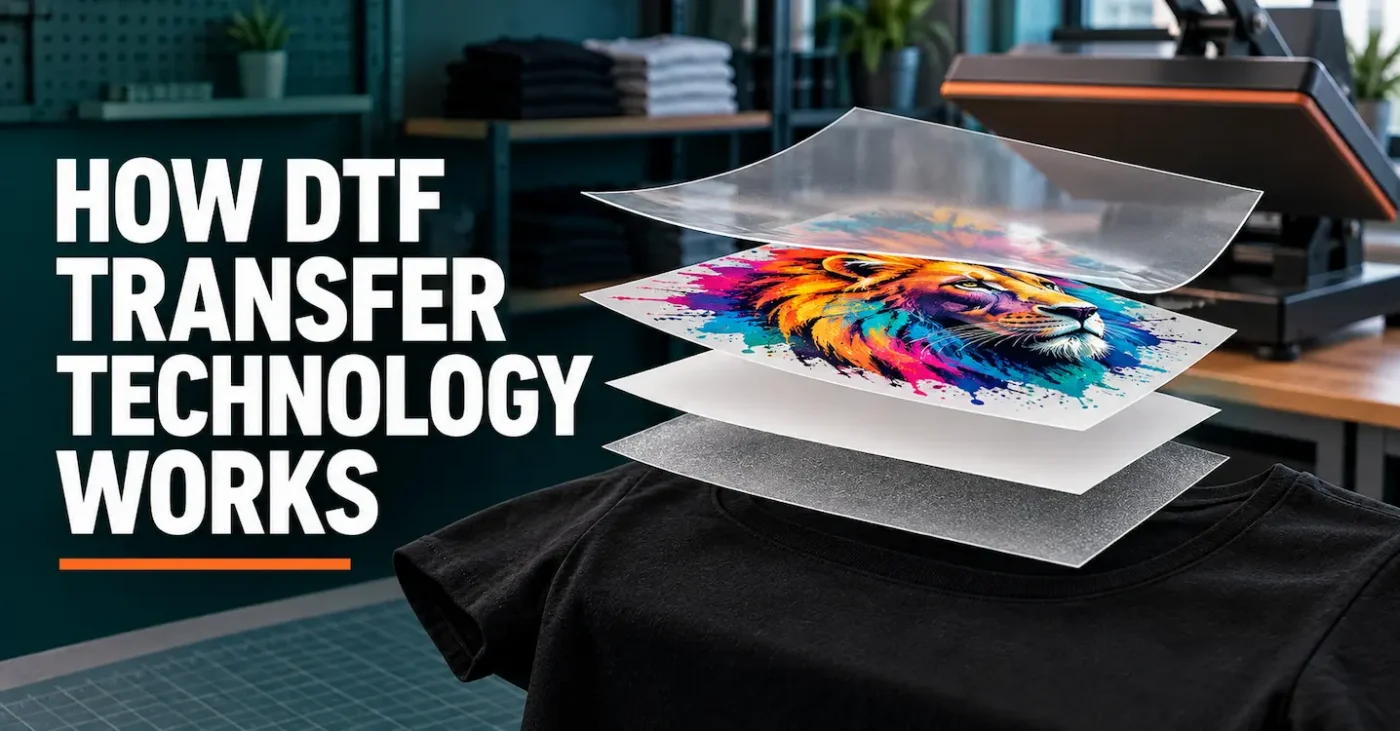
DTF transfer technology is a connected production system, not just a printer. Learn how artwork, RIP software, CMYK and white ink, coated film, adhesive, curing, heat, pressure and peel behaviour work together to create a ready-to-press apparel transfer.
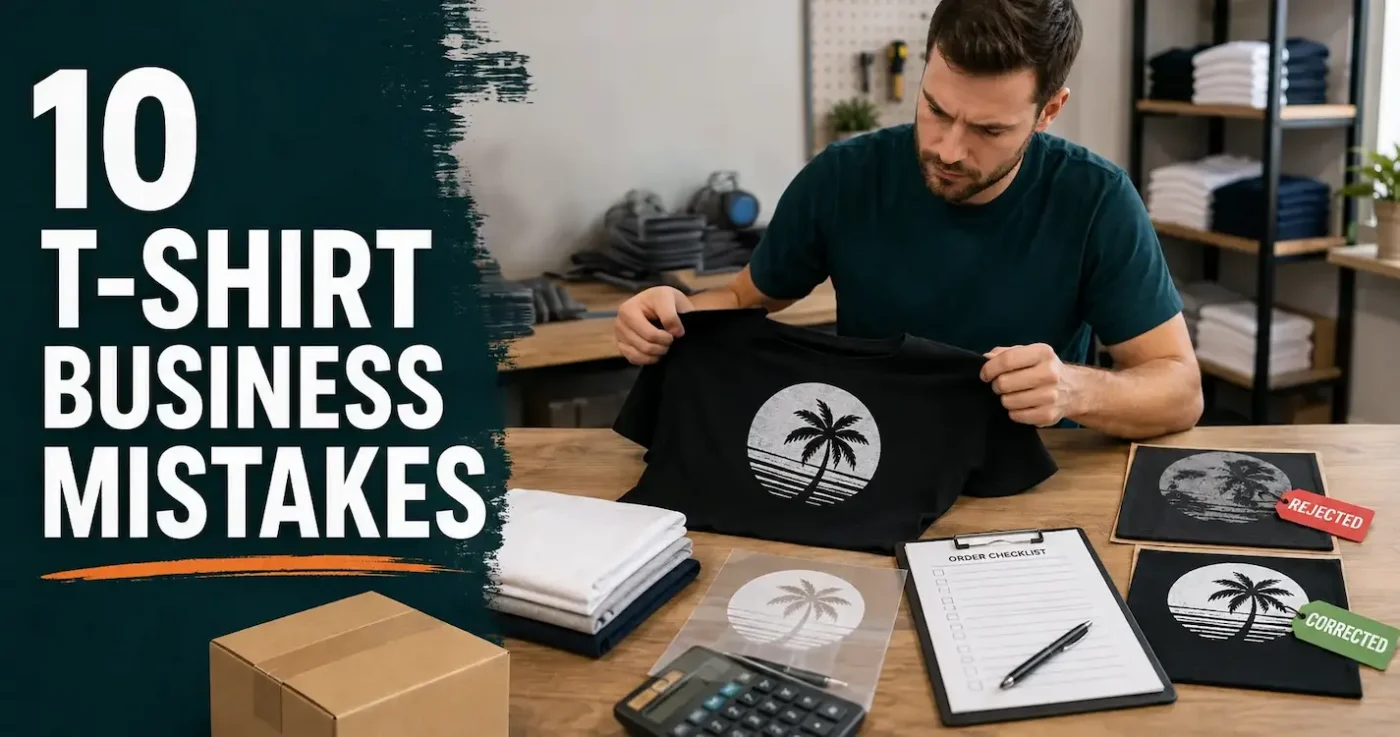
Starting a T-shirt business takes more than good designs. Avoid ten common mistakes involving equipment, market testing, artwork, pricing, copyright, garment choice, heat pressing, turnaround promises, quality control and Australian business obligations.
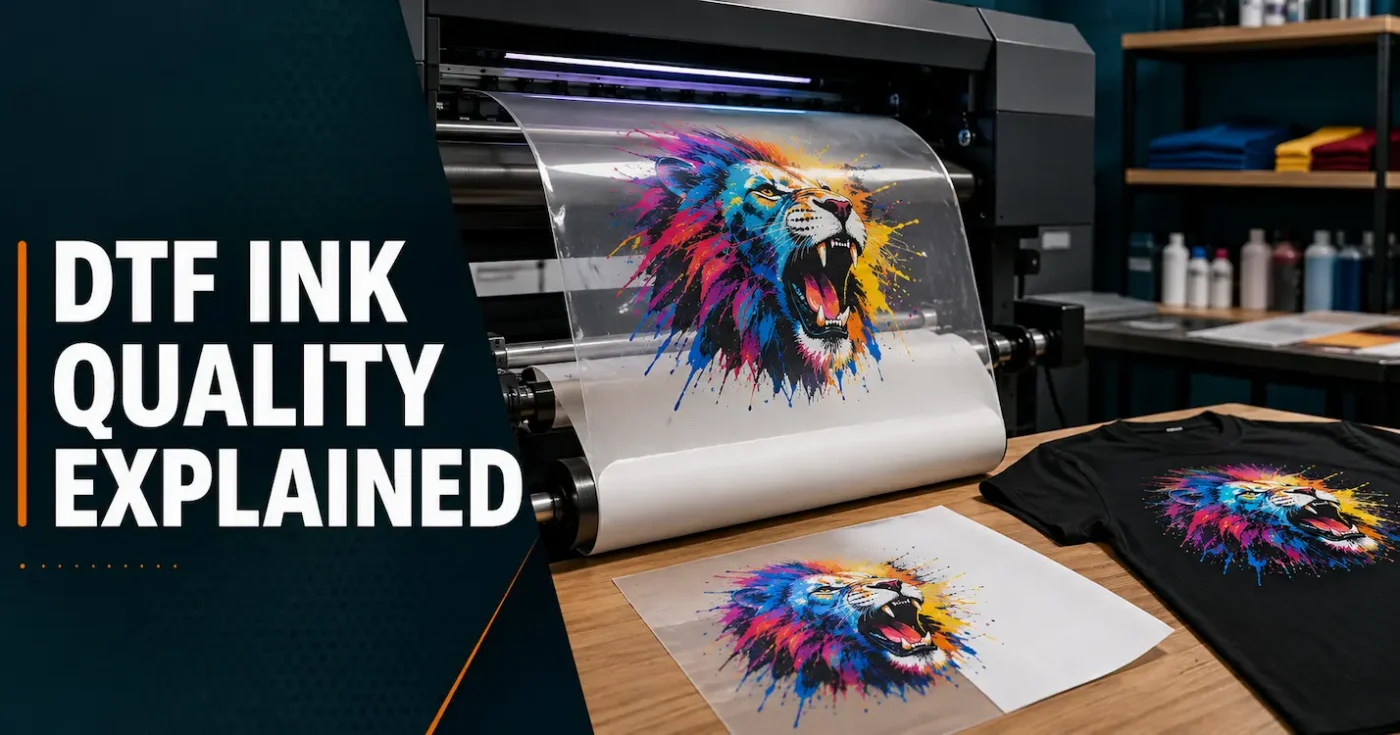
DTF ink quality matters, but ink does not work alone. White opacity, colour profiles, printer maintenance, film, adhesive, curing, application and garment choice all influence the finished transfer. Learn what to compare and which claims deserve a closer look.