
Printing It Yourself
Can a DTG Printer Also Make DTF Transfers?
Oct
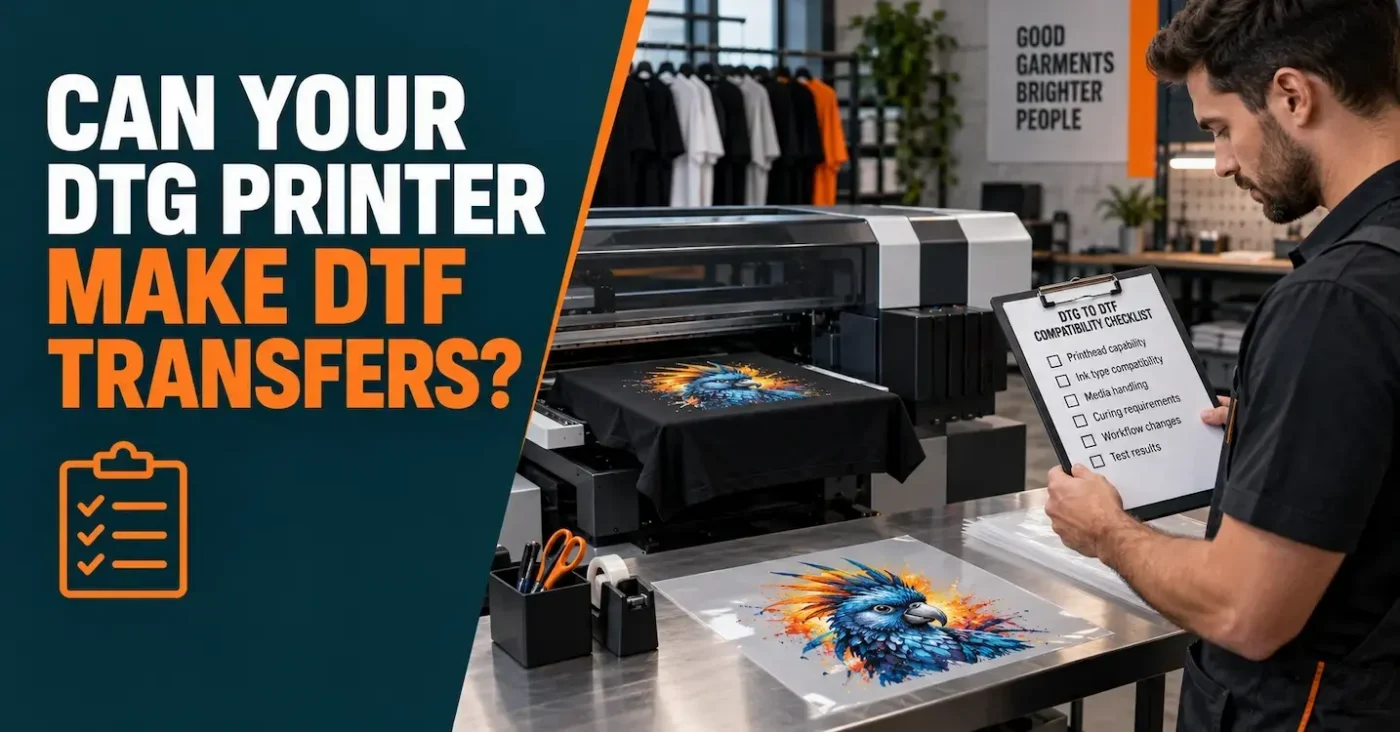
Yes, some DTG printers can produce DTF transfers—but not every DTG printer can, and it is not as simple as loading film and pressing Print. The exact printer model must support the workflow, its ink and software must be suitable, the film must be held correctly, and the printed transfer still needs adhesive application, curing and heat pressing. If the manufacturer or authorised supplier does not document DTF use for your model, do not assume a conversion is safe, reliable or covered by warranty.
This guide is for print shops that already own a direct-to-garment printer and are deciding whether to add transfer production. If you are choosing between the two methods more broadly, read our DTG versus DTF comparison.
Published: 5 October 2023
Last updated: 5 September 2026
Contents
The quick answer
A DTG printer places water-based textile ink directly onto a garment. A DTF workflow prints a reversed image onto coated transfer film, normally with colour and a white layer, before an adhesive layer is applied and cured. The finished transfer is then heat-pressed onto the product.
The printhead may be capable of both jobs, but printhead capability is only one part of the system. The printer also needs the right firmware or driver, mirrored print order, white-ink controls, a way to keep film flat, compatible ink and a documented finishing process. Manufacturers now sell genuine hybrid machines and publish DTF workflows for selected DTG models, so the answer is no longer a blanket “no”. It is still a model-by-model decision.
Do not make an ink decision by printer category alone. “DTG ink” and “DTF ink” are not universal formulas. Never pour an unapproved ink into a printer because it is described as water-based or compatible with a similar printhead. Mixing systems can cause colour problems, blocked nozzles, damaged ink paths and loss of warranty support.
Supported hybrid or unofficial conversion?
A manufacturer-supported hybrid workflow is very different from an unofficial conversion. For example, Brother publishes a direct-to-film workflow for specified GTX, GTXpro and GTX600 configurations, including reversal software, firmware and driver requirements. Epson describes the SureColor F1070 as purpose-built for both DTG and DTFilm. These are documented capabilities—not evidence that every older DTG printer can be modified in the same way.
| Approach | What it means | Main advantage | Main caution |
|---|---|---|---|
| Manufacturer-supported hybrid | The exact DTG model has a documented DTF mode, settings or accessory workflow. | One supported printer can cover direct garment and transfer jobs. | You still need film, adhesive handling, curing, testing and maintenance. |
| Dedicated DTF system | A printer and finishing setup designed around film production. | Better suited to repeat transfer output and higher throughput. | More capital, floor space, ventilation and maintenance commitment. |
| Unofficial conversion | A DTG or desktop printer is altered outside a documented manufacturer workflow. | May appear inexpensive initially. | High risk of poor support, inconsistent output, downtime and warranty problems. |
| Outsource finished transfers | A specialist prints and cures the transfers; you apply them with a heat press. | No transfer printer, ink system or curing line to maintain. | You need to plan ordering, artwork and supplier lead times. |
Nine checks before using a DTG printer for DTF transfers
1. Confirm support for the exact model
Find the current manufacturer guide for the complete model number—not a reseller video for a related printer. Check required firmware, driver version, accessories, supported film size and regional availability. Get any warranty implication in writing. If the documentation is vague, ask the manufacturer or authorised technician before proceeding.
2. Use the approved ink system
Ink must work with the printer’s head, dampers, lines and maintenance system as well as the film and adhesive. White ink is especially demanding because pigment can settle. Follow the approved circulation, agitation, storage and cleaning routine. Read our explanation of why DTF transfer inks are not all the same.
3. Verify the software and print order
DTF artwork is printed in reverse so it reads correctly after transfer. The software must produce the correct colour and white order for printing onto film, with suitable white underbase, choke and ink limits. A mirror button alone does not create a complete DTF profile. Use the manufacturer’s prescribed software or a validated RIP profile for the printer, ink, film and print mode.
4. Make sure the film stays flat
Film behaves differently from a garment on a platen. It can lift, curl or move, creating head strikes, smearing or misregistration. Some supported systems use a dedicated vacuum platen or film accessory. Never improvise a carrier or alter platen clearance without reliable instructions for your model.
5. Plan controlled adhesive application
The printed ink needs a compatible adhesive layer. Uneven coverage can create missing edges, rough patches or excess adhesive outside the design. Manual application may suit small volumes when it is done in a controlled station; automated application can improve consistency at scale. In either case, contain residue, keep the area clean and follow the product safety data sheet.
6. Cure the transfer correctly
Curing is not simply “making it feel dry”. Time, temperature and airflow must activate the adhesive without scorching, oiling or over-baking the ink. A heat press, oven or shaker-curing unit can behave differently, so use a validated recipe and verify actual temperature. See our guide to DTF transfer curing.
7. Check ventilation and workplace controls
Review the safety data sheets for ink, adhesive and cleaning products. Provide the ventilation, housekeeping and personal protective equipment they require. Keep food and drinks away from production, prevent adhesive residue from spreading through the workshop, and train anyone who will operate or clean the equipment.
8. Budget for maintenance and downtime
White-ink printers need consistent use and maintenance. Switching a shared machine between DTG and film jobs may also change platen setup, print settings, cleaning needs and production scheduling. Calculate the cost of a blocked printer during your busiest period, not just the price of film and ink.
9. Test the complete transfer, not only the print
A bright film print is not proof of a reliable product. Press onto the actual cotton, polyester, blend or performance fabric you intend to sell. Check colour, stretch, edges, dye migration, hand feel and wash durability. Record the printer mode, consumable batch, cure settings and press recipe so a successful result can be repeated.
What changes when a DTG printer is used for DTF?
Using a DTG printer for DTF transfers changes far more than the print surface. The artwork may start from the same transparent file, but the production route changes substantially:
- Prepare artwork: use a transparent PNG at 300 DPI at the intended print size, tightly cropped and without isolated details below about 1 mm.
- Build the DTF print: the software reverses the design and creates the required colour and white layers.
- Print onto coated film: the correct side, settings and film-holding method matter.
- Apply adhesive: cover the wet print evenly using the validated process.
- Cure: activate the adhesive without overheating the transfer.
- Press and peel: use the instructions supplied for that exact transfer and garment.
- Final press: complete the recommended finishing press and quality check.
This is why a DTG printer alone is not a complete DTF production system. For a closer look at the layers and their jobs, see how DTF transfer technology works.
The costs people overlook
The headline cost of printing a sheet rarely includes the full production cost. Add film, ink, adhesive, maintenance fluid, cleaning parts, failed tests, labour, power, ventilation, curing equipment, software, colour profiling and machine downtime. If a shared hybrid printer delays profitable DTG work, that lost capacity also belongs in the calculation.
Volume matters. A supported hybrid can be sensible for a shop that already owns the machine and needs occasional transfer capability. Regular gang-sheet production may justify a dedicated DTF line. For intermittent or uncertain demand, ordering finished transfers can be the lower-risk choice even when the unit price is higher.
Which route makes sense for your business?
- Use a supported hybrid workflow when your exact DTG model is documented for DTF, your supplier supports it and your volumes fit a sheet-based process.
- Buy a dedicated DTF system when transfer production is frequent enough to justify separate equipment, operators and maintenance. Start with our DTF printer buying guide.
- Outsource ready-to-press transfers when you want to sell decorated garments without operating a white-ink printer and curing workflow.
- Avoid an undocumented conversion when the plan depends on generic ink claims, unofficial firmware or trial-and-error around expensive printheads.
DTF can complement DTG by helping with synthetic fabrics, awkward print positions, small logos and designs grouped onto a sheet. It does not automatically replace DTG, and neither method is best for every garment. Match the process to the job, the expected finish and your real production volume.
How DTF Transfers Australia approaches inks and production
We use different, matched production systems for different transfer products. Our DTF gang sheets use Coltex inks. Our cut-sheet and iron-on transfers use the newly updated generation of genuine Brother Innobella inks. That is a deliberate production choice: the printer, ink, film, adhesive, profile and curing method must work as a system.
If your business needs ready-to-press transfers rather than another printer to operate, you can order DTF transfers online. Files are printed as supplied, so review our DTF artwork FAQs before uploading.
Frequently asked questions
Can every DTG printer make DTF transfers?
No. Some models have an official hybrid DTG/DTF workflow, while others do not. Confirm the exact model, firmware, software, ink, film accessory and finishing requirements with the manufacturer or authorised supplier.
Can I put DTF ink into my DTG printer?
Only if that exact ink is approved for the printer and workflow. A similar printhead or a reseller’s “compatible” label is not enough. Changing ink chemistry may require flushing and can affect reliability, colour and warranty coverage.
Can a hybrid printer use the same ink for DTG and DTF?
Some manufacturer-supported hybrids are designed to use one approved ink set across both modes. Others may have different requirements. Follow the documentation for the exact machine; do not generalise from another brand or model.
Do I still need adhesive and curing?
Yes. Printing onto film is only the image-production stage. The transfer needs the specified adhesive and cure before it is ready to press. Follow the consumable and equipment supplier’s complete process.
Will using DTF affect my DTG printer warranty?
A documented, manufacturer-supported workflow should have stated terms. An unofficial conversion, third-party ink or unapproved accessory may limit support or void coverage. Check in writing before changing the machine.
Is DTF better than DTG?
They solve different production problems. DTG is excellent for printing directly onto suitable garments, while DTF offers flexibility across many garment types and placements. Quality depends on the equipment, consumables, artwork, process control and application.
What should I do if my DTG printer has no official DTF support?
Use a dedicated, supported DTF system or order finished transfers from a specialist. Both options are generally more predictable than risking an undocumented conversion of a working DTG printer.
What is the safest first test?
Confirm written support first, then run the manufacturer’s recommended film, software settings and consumables. Cure according to the documented process, press onto the intended garment, and complete stretch and wash tests before accepting customer work.
Bottom line: your DTG printer may be able to add DTF production, but capability must be proven at system level. Start with the model’s official documentation, use approved ink and software, control film handling and curing, and test the finished garment. If any of those pieces is missing, ready-to-press transfers are the safer path into DTF.
