
Important for polyester: We strongly recommend against using Iron-On DTF transfers on polyester. Polyester is heat-sensitive and dye-prone, and it is very difficult to get a reliable fit and lasting result with a household iron or craft press. If you still want to try, test on a spare garment first — the choice is yours. For polyester, a proper heat press with our standard Hot Peel / Insta-Peel transfers (and careful testing) is the better path.
DTF transfer fitting instructions
Use the section that matches what you ordered. The packing slip lists the film. Hot Insta Peel (gang sheets and standard cut sheets) peels hot on cotton and most fabrics; on polyester it is a cold peel only. Labelled iron-on DTF is a cool peel — let it cool for about 30–60 seconds before peeling — and is only for a household iron (or suitable craft press). Speciality finishes are cold peel. Use a heat press, or a Cricut EasyPress when its platen fully covers the design. A household iron is not suitable.
These settings are a starting point. Heat presses and irons vary, and fabrics respond differently.
Testing, quality control and your responsibility
We print ready-to-press DTF film from the artwork you send us. We do not press it onto T-shirts, and we do not sell finished garments. Fitting the transfer is the customer’s responsibility. If you prefer us to supply and print the garment, use our custom-apparel service: Order custom apparel, blanks or graphic tees at T Shirts Australia
Please complete your own testing and quality control before you press a production run or sell a finished garment. Press a sample on the same fabric. Check adhesion, peel, wash and wear. If that test is skipped, or the press is rushed, or temperature, pressure, pre-press or second press steps are not followed, the result remains the customer’s responsibility.
We are not responsible for:
- Artwork, spelling, layout or files you supplied or approved in the builder
- How you, or anyone working for you, apply, peel, press or aftercare the transfer
- Garments, blanks, labour, postage to your customers, or making it right with someone you sold a shirt to
If a transfer was not fitted correctly and it fails on a garment you then sold, we cannot cover the cost of that T-shirt or of compensating your customer. Our product is the film. If the unused film itself has a manufacturing defect, that is a separate claim under the Return and Refund Policy and the Australian Consumer Law.
Stuck on settings or peel behaviour before you run production? Email admin@dtftransfers.au or call (07) 3158 3498 (Mon–Fri 9:00am–2:30pm; Sat 9:30am–11:30am Brisbane).
Hot Insta Peel · Cold peel speciality · Iron-on (household iron) · Iron-on (Cricut EasyPress) · Garment care
Hot Insta Peel DTF Transfer Instructions
Use these settings as a starting point for applying our Hot Insta Peel DTF transfers with a heat press. Follow the peel method for your fabric: general applications peel immediately, while polyester must cool completely before peeling.
Test the complete process on a spare garment or fabric sample before production.
Recommended Starting Settings
| Setting | General applications | Polyester |
|---|---|---|
| Temperature | 140°C | 120°C |
| Pressing time | 8–10 seconds | 30 seconds |
| Pressure | Firm | Firm |
| Peel | Immediately while hot | Cold peel only; cool completely |
| Final press | 10 seconds at the same temperature | 10 seconds at the same temperature |
Polyester requires extra care. Check for heat marks, dye migration and fabric damage. Fabric blends and press performance vary, so test before production.
Application Instructions
1. Pre-press the garment
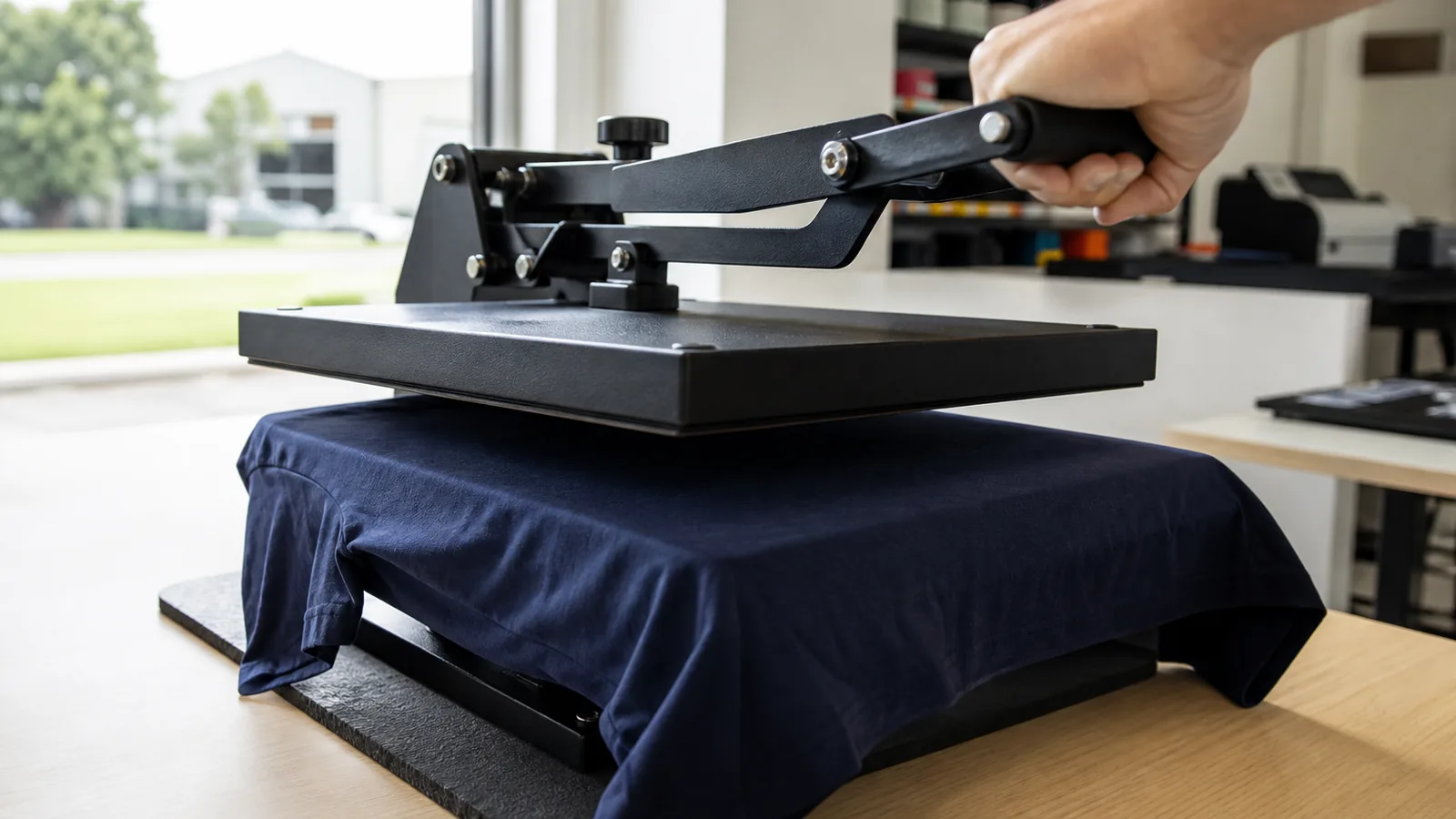
Lay the garment flat on the heat press and pre-press to remove wrinkles and moisture.
Open the press and check for steam. If steam is visible, repeat until the garment is completely dry. Moisture can affect the transfer’s adhesion.
Position seams, collars, zips and other raised areas away from the pressing area wherever possible so the press can apply even pressure.
2. Position the transfer
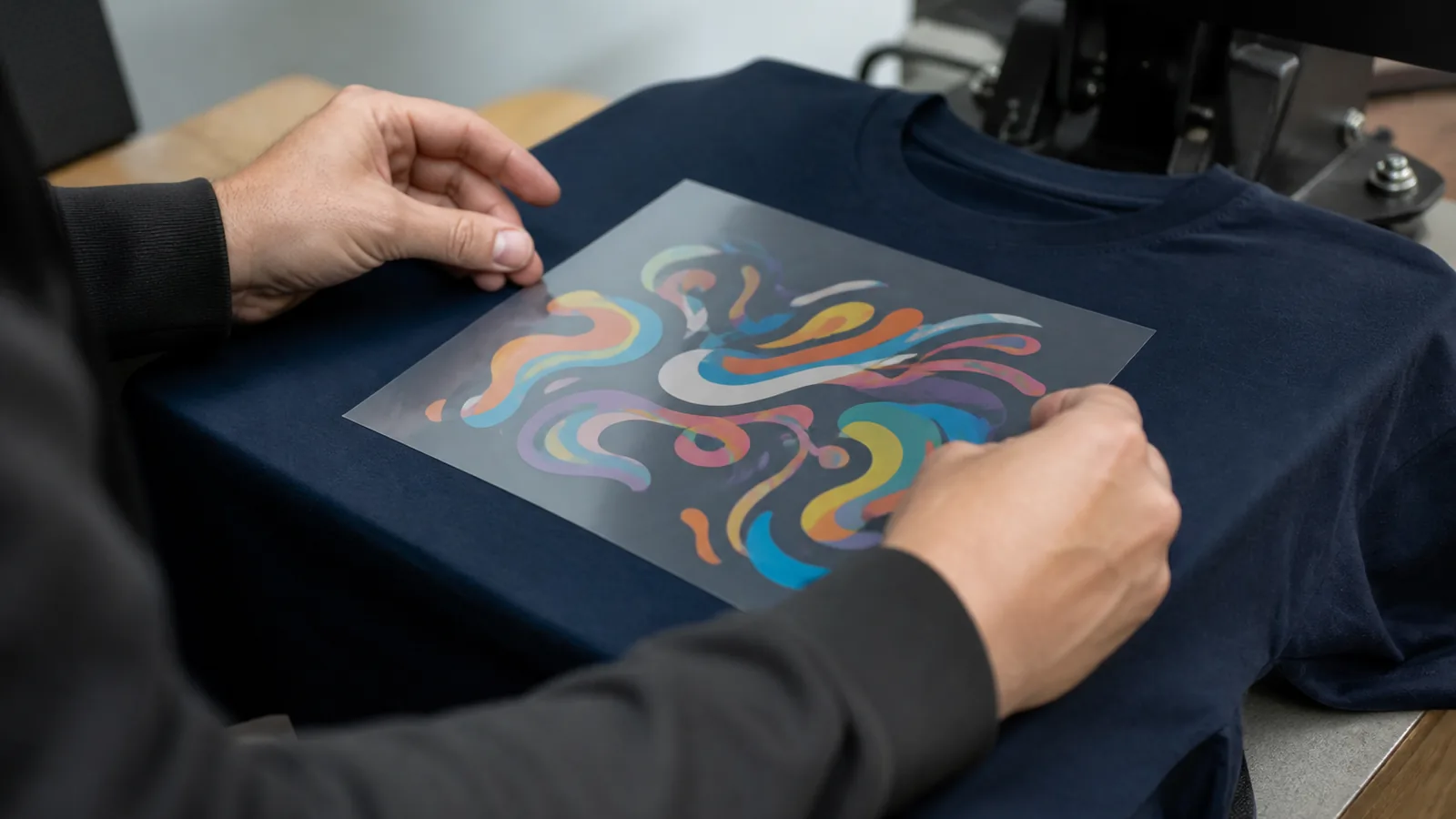
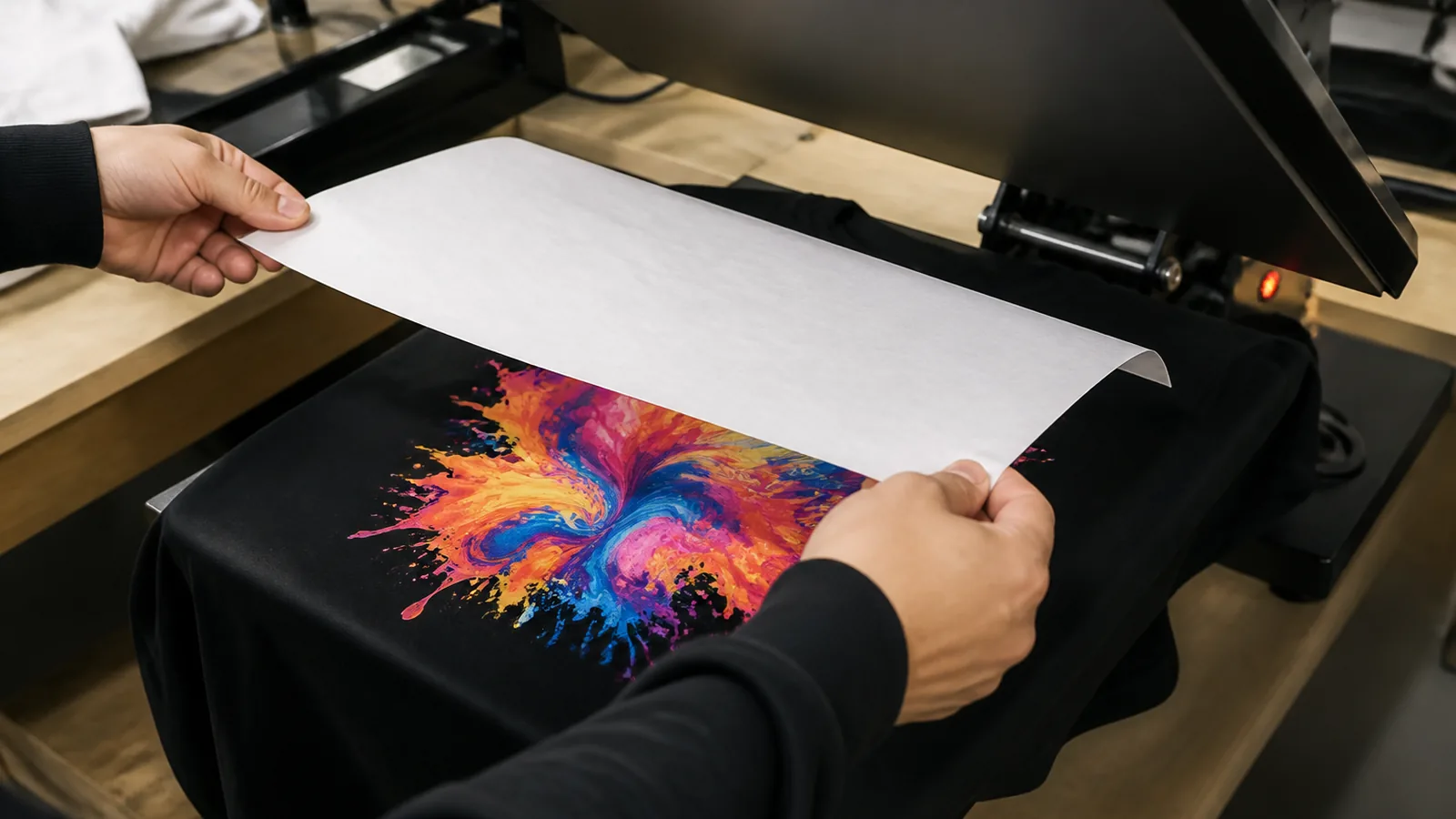
Place the transfer in the desired position with the printed adhesive side against the fabric and the clear carrier film facing upwards.
Ensure the garment and transfer lie flat. For hats or difficult surfaces, use heat-resistant tape to prevent movement.
3. Add a cover sheet
Gently place baking paper, parchment paper or a Teflon sheet over the entire transfer, taking care not to move the design.
4. Press the transfer
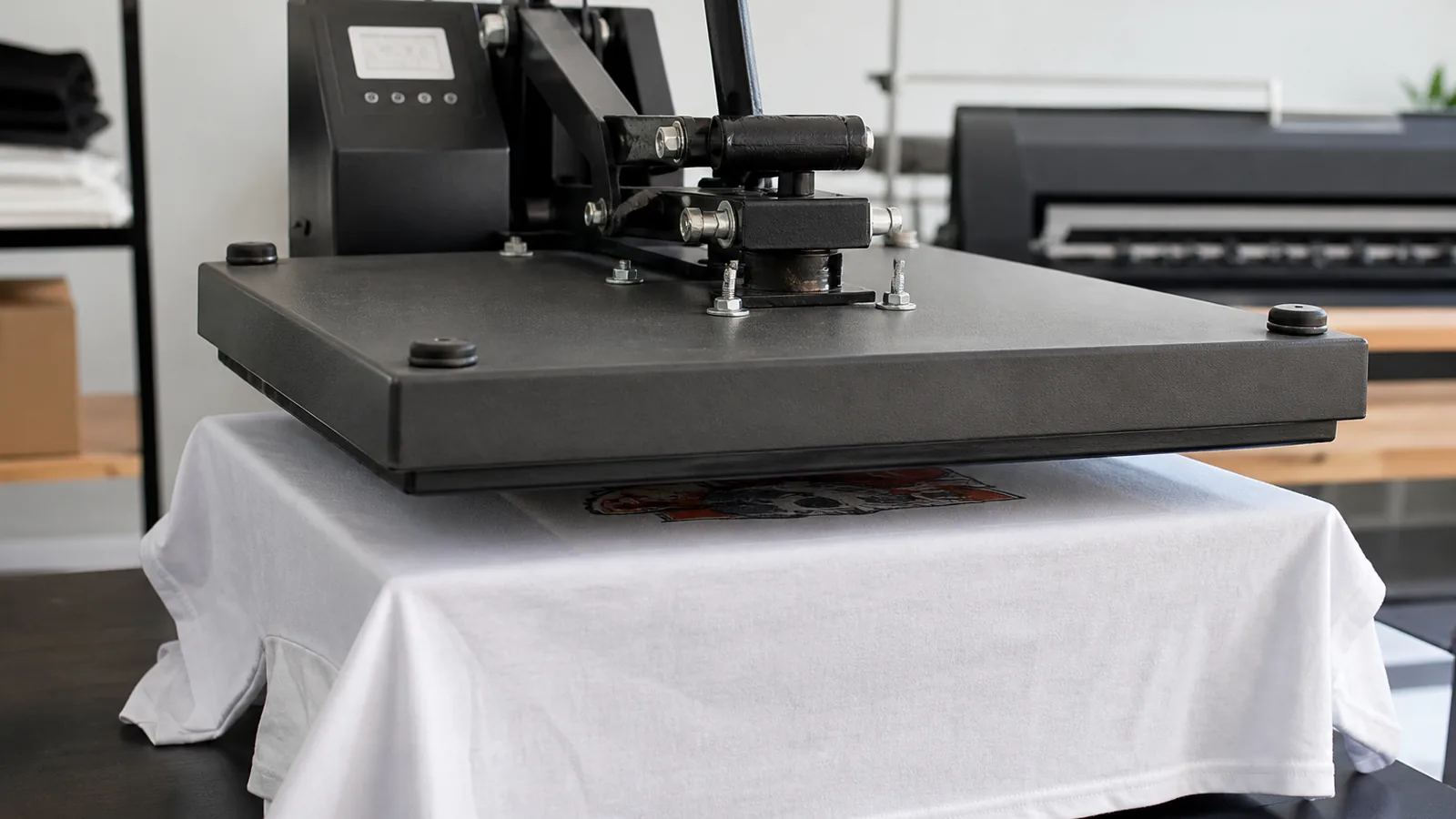
Press using the recommended starting settings for your fabric.
Apply firm, even pressure across the entire design. Uneven pressure can leave edges or small details insufficiently bonded.
5. Peel using the method for your fabric
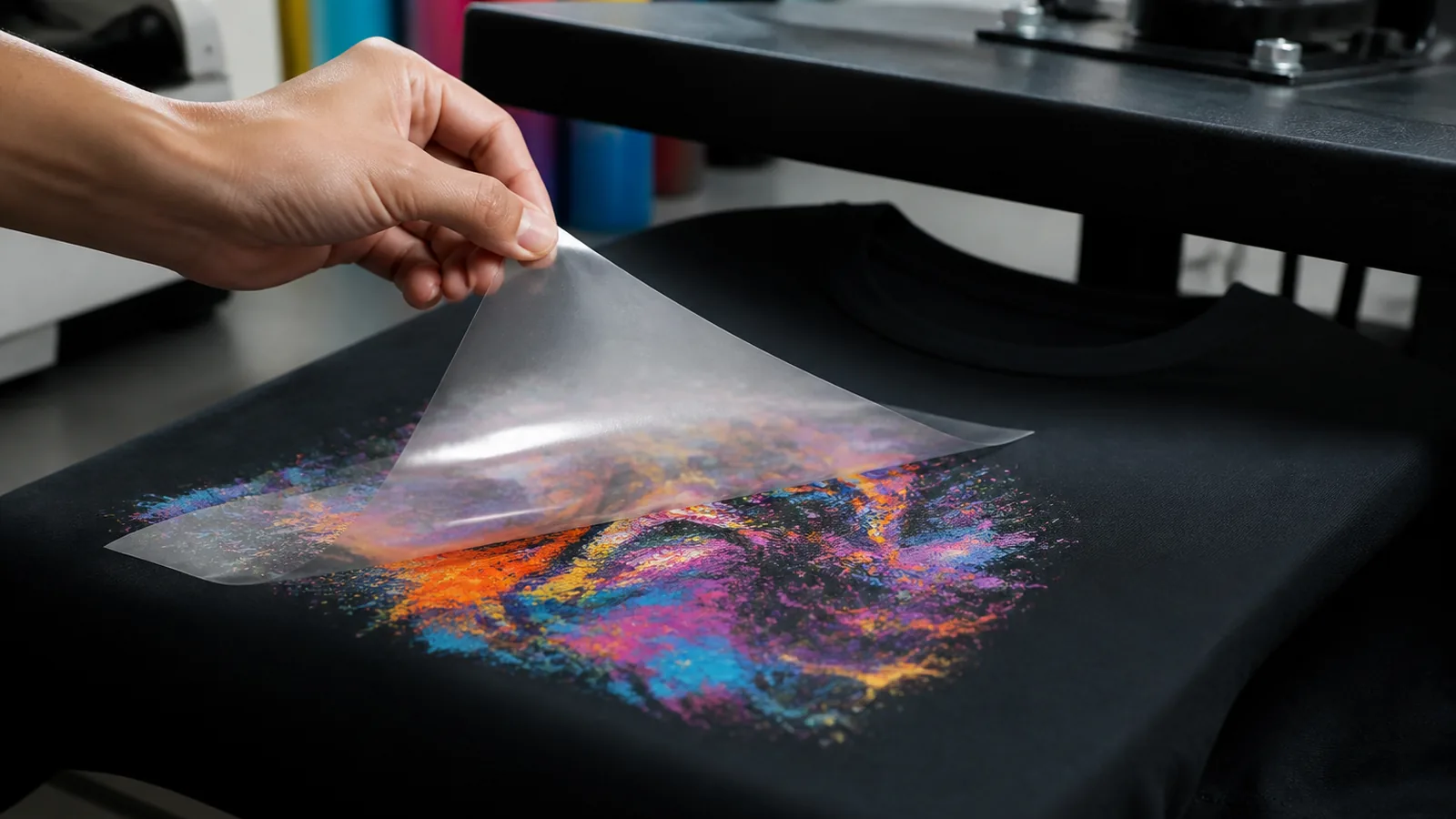
General applications: Open the press, remove the cover sheet and peel the carrier film immediately while the transfer is still hot.
Polyester: Open the press and leave the carrier film in place until the transfer and garment have cooled completely. Then peel the film. Do not peel polyester while hot.
For either method, hold the garment flat and peel smoothly, keeping the film low and close to the fabric. If any part of the design lifts, stop peeling. Lay the film back down, cover it, and reapply heat and firm pressure. Let polyester cool completely again before trying to peel; peel general applications immediately while hot.
6. Apply the final press
Once the carrier film is completely removed, place a clean cover sheet over the printed design.
Press again for 10 seconds at the same temperature with firm, even pressure, after testing that the fabric tolerates the full application process.
This finishing press helps improve adhesion, finish and durability. Remove the cover sheet and allow the garment to cool flat before handling or folding.
Test Before Production
These are starting recommendations. Results vary with the heat press, pressure, fabric, garment construction, moisture, design size and surface. Use the correct peel method for the garment.
Test the full application and wash performance before production. Check that the garment tolerates both presses. Dye migration on polyester may appear after cooling, so inspect the result again later.
Garment Care
For the best print durability:
- Wait 24–48 hours before the first wash.
- Turn the garment inside out.
- Use a cool or cold gentle wash.
- Do not use bleach.
- Air dry; avoid tumble drying.
- Do not iron directly over the printed design.
A failed garment after a skipped test is not covered by us — see Testing, quality control and your responsibility.
Cold Peel Speciality DTF Transfer Instructions
These instructions provide a general starting point for applying our Cold Peel Speciality DTF Transfers. Heat presses can vary in temperature accuracy and pressure, and different fabrics may respond differently.
Always test on a spare garment before a production run. Use a heat press. A household iron is not suitable. A Cricut EasyPress is fine when its platen fully covers the design. If it does not fully cover the design, use a heat press that does. Speciality finishes are cold peel and cut sheets only. Check the garment’s suitability before pressing. Some fabrics may not tolerate these temperatures. Test carefully, particularly on polyester and heat-sensitive fabrics. Always test, because presses and garments vary.
Recommended Settings
Cotton and most suitable fabrics
| Setting | Cold peel speciality |
|---|---|
| Temperature | 160°C |
| Pressing time | 8 seconds |
| Pressure | Firm |
| Peel | Cold — cool completely to room temperature, then peel |
Polyester
| Setting | Cold peel speciality |
|---|---|
| Temperature | 120°C |
| Pressing time | 30 seconds |
| Pressure | Firm |
| Peel | Cold peel only — cool completely, then peel |
| Final press | 10 seconds at 120°C, under your own parchment, baking paper or Teflon |
1. Pre-press the garment
Lay the garment flat on the heat press and pre-press to remove wrinkles and moisture.
Open the press and check for steam. If steam is visible, repeat until the garment is completely dry. Moisture can affect the transfer’s adhesion.
Keep seams, collars, zips and other raised areas away from the pressing area wherever possible so the press can apply even pressure.
2. Position the transfer
Place the transfer in the desired position with the printed adhesive side against the fabric and the carrier film facing upwards.
Ensure the garment and transfer lie flat before pressing.
3. Add a cover sheet
Gently place baking paper, parchment paper or a Teflon sheet over the entire transfer, taking care not to move the design.
4. Press the transfer
Cotton and most fabrics: 160°C for 8 seconds, firm pressure. Polyester: 120°C for 30 seconds, firm pressure. Test those settings on a spare garment first.
Make sure the press applies even pressure across the entire design. Pay particular attention to edges and small details.
5. Cool completely, then peel
Open the press, remove the cover sheet and carefully move the garment to a flat surface.
Allow the garment and transfer to cool completely to room temperature. Do not peel while hot or warm.
Hold the garment flat and slowly peel the carrier film from one corner towards the opposite corner, keeping the film low and close to the fabric.
If any part of the design lifts, stop peeling. Carefully lay the film back into position, replace the cover sheet and reapply heat and pressure. Allow it to cool completely again before retrying.
6. Remove excess speciality material
Where needed, particularly with Gold Foil Transfers, gently pass a sticky lint roller over the cooled design and surrounding fabric to collect loose excess material.
Several passes may be needed. Ensure the design is securely attached before using the roller.
7. Apply the final press
Once the carrier film and any loose excess material have been removed, place clean baking paper or parchment paper directly over the design.
On polyester, press again for 10 seconds at 120°C under your own parchment, baking paper or Teflon. On cotton and most fabrics, cool completely, then peel. A finishing press is still recommended: cover the design with parchment paper or baking paper and press again. It locks the print in, smooths the edges, and gives a softer hand. Pre-press the garment first so it is flat and the moisture is out.
Remove the paper immediately after opening the press. Allow the garment to cool completely before folding or packaging.
Test Before Production
Speciality finishes are more demanding to apply than standard transfers and require consistent settings.
Results can vary with:
- The speciality finish being applied
- Heat press temperature accuracy and pressure
- Garment fabric and construction
- Moisture in the garment
- Design size and detail
- The surface being decorated
Garment Care
For the best print durability:
- Wait 24–48 hours before the first wash.
- Turn the garment inside out.
- Use a cool or cold gentle wash.
- Do not use bleach.
- Air dry; avoid tumble drying.
- Do not iron directly over the printed design.
How to Fit Your Iron-On DTF Transfer with a Household Iron
For DTF Transfers Australia’s Iron-On DTF Transfers.
Use a dry iron, firm pressure and a completely dry garment for the best result.
| Setting | Instructions |
|---|---|
| Iron temperature | Approximately 135–145°C |
| Steam | OFF — do not use steam or water spray |
| Pressure | Firm and even |
| Before peeling | Cool for approximately 30–60 seconds |
Before you begin: Household irons vary in temperature and heat distribution. These settings are a starting guide for our Iron-On DTF Transfers. Test first, particularly on unfamiliar fabrics, and check the garment’s care label for heat restrictions.
1. Prepare your work surface and iron
Use a stable, firm, flat, heat-resistant surface that can withstand firm downward pressure. Avoid a soft, heavily padded ironing board or a thick towel underneath the pressing area.
Set your iron to approximately 135–145°C, switch steam off and allow it to heat fully. If your iron only has fabric settings, consult its instructions—“cotton”, “medium” and dot settings do not provide an exact temperature. Do not automatically select the highest setting.
2. Pre-iron the T-shirt
Lay the garment flat and pre-iron the entire area where the design will sit. Remove all creases and moisture.
If steam rises from the fabric, continue pre-ironing until it stops. The garment must be completely dry before fitting the transfer.
Keep seams, collars, buttons and zips outside the pressing area so the iron can sit flat.
3. Position and cover the transfer
Place the transfer with the adhesive side against the fabric, so the design reads correctly through the clear carrier film.
Leave the carrier film attached. Check the position, then cover the entire transfer with a sheet of baking paper.
4. Press each section firmly
Place the iron flat on the covered transfer and press straight down with firm, even pressure for approximately 10 seconds.
Move the iron to the next section. Slightly overlap each placement, working methodically across the entire design.
- Give each section the full pressing time.
- Include all edges, corners and small details.
- Overlap placements so areas beneath the iron’s steam holes also receive direct contact.
- Keep the iron flat; avoid rocking it onto its tip or sliding the transfer.
Larger designs require several placements—10 seconds is per section, not for the entire design.
5. Allow to cool, then peel carefully
Remove the baking paper and allow the transfer to cool for approximately 30 to 60 seconds. Allow longer if it is still hot.
Hold the garment flat and slowly peel the carrier film back over itself, keeping it close to the fabric.
If any part of the design lifts, stop immediately. Carefully lower the film back into position, cover with baking paper and reapply heat and firm pressure to the affected area. Let it cool again before retrying.
Do not pull the film away while the design is lifting.
6. Apply the finishing press
Once the carrier film is completely removed, cover the design with baking paper again.
Press with firm, even pressure for 10–15 seconds per section, overlapping placements until you have covered the whole design.
Remove the baking paper and allow the garment to cool flat before wearing, folding or stretching it. Check that all edges are attached. If an edge lifts, cover it with baking paper and press it again.
Never place the iron directly onto the exposed design.
Looking after your printed T-shirt
- Wait at least 24 hours before the first wash.
- Wash inside out in cold water with a mild detergent.
- Avoid bleach and fabric softener.
- Line dry where possible.
- Do not iron directly over the print.
Having trouble getting the transfer to stick? Check that the garment is dry, the surface is firm, the iron is reaching temperature and every section has received enough pressure and time. If it still will not adhere after re-pressing, contact us before applying more heat.
Remember while a heat press applies the set pressure, using a household iron you are the pressure.
How to Fit Your DTF Transfer with a Cricut EasyPress
For DTF Transfers Australia’s Iron-On DTF Transfers.
Use a Cricut EasyPress or similar, firm pressure and a completely dry garment for the best result.
| Setting | Instructions |
|---|---|
| Temperature | Approximately 135–145°C |
| Pressure | Firm and even |
| Before peeling | Cool for approximately 30–60 seconds |
Before you begin: Complete a test prior to moving to production. These settings are a starting guide for our Iron-On DTF Transfers using a Cricut EasyPress.
1. Prepare your work surface and EasyPress
Use a stable, firm, flat, heat-resistant surface that can withstand firm downward pressure. Avoid a soft, heavily padded ironing board or a thick towel underneath the pressing area.
Set your EasyPress to 135–145°C and allow it to heat fully.
2. Pre-press the T-shirt
Lay the garment flat and pre-press the entire area where the design will sit. Make sure to remove all creases and moisture.
If steam rises from the fabric, continue pre-pressing until it stops. The garment must be completely dry before fitting the transfer.
Keep seams, collars, buttons and zips outside the pressing area so the EasyPress can sit flat.
3. Position and cover the transfer
Place the transfer with the adhesive side against the fabric, so the design reads correctly through the clear carrier film.
Leave the carrier film attached. Check the position, then if desired cover the entire transfer with a sheet of baking paper.
4. Press each section firmly
Place the EasyPress flat on the transfer and press straight down with firm, even pressure for approximately 10 seconds.
Move the EasyPress to the next section if needed. Slightly overlap each placement, working methodically across the entire design.
- Give each section the full pressing time.
- Include all edges, corners and small details.
- Keep the EasyPress flat; avoid rocking it or sliding the transfer around.
Larger designs require several placements—10 seconds is per section, not for the entire design.
5. Allow to cool, then peel carefully
Remove the baking paper if used and allow the transfer to cool for approximately 30 to 60 seconds. Allow longer if it is still hot.
Hold the garment flat and slowly peel the carrier film back over itself, keeping it close to the fabric.
If any part of the design lifts, stop immediately. Carefully lower the film back into position, cover with baking paper and reapply heat and firm pressure to the affected area. Let it cool again before retrying.
Do not pull the film away while the design is lifting.
6. Apply the finishing press
Once the carrier film is completely removed, cover the design with baking paper again.
Press with firm, even pressure for 10–15 seconds per section, overlapping placements until you have covered the whole design.
Remove the baking paper and allow the garment to cool flat before wearing, folding or stretching it. Check that all edges are attached. If an edge lifts, cover it with baking paper and press it again.
Never place the EasyPress directly onto the exposed design.
Looking after your printed T-shirt
- Wait at least 24 hours before the first wash.
- Wash inside out in cold water with a mild detergent.
- Avoid bleach and fabric softener.
- Line dry where possible.
- Do not iron directly over the print.
Having trouble getting the transfer to stick? Check that the garment is dry, the surface is firm, the EasyPress has reached temperature and every section has received enough pressure and time. If it still will not adhere after re-pressing, contact us before applying more heat.
Remember while a heat press applies the set pressure, using a Cricut EasyPress you are the pressure.
Garment care after pressing
For the best print durability:
- Allow the print to cure for 24–48 hours before washing.
Wash
- Do not use bleach
- Air drying is recommended
- Avoid using a tumble dryer
- Do not iron directly over the printed design
See also our DTF care instructions.