
Running a Print Business
How to Create a Website for Your T-Shirt Business
Apr
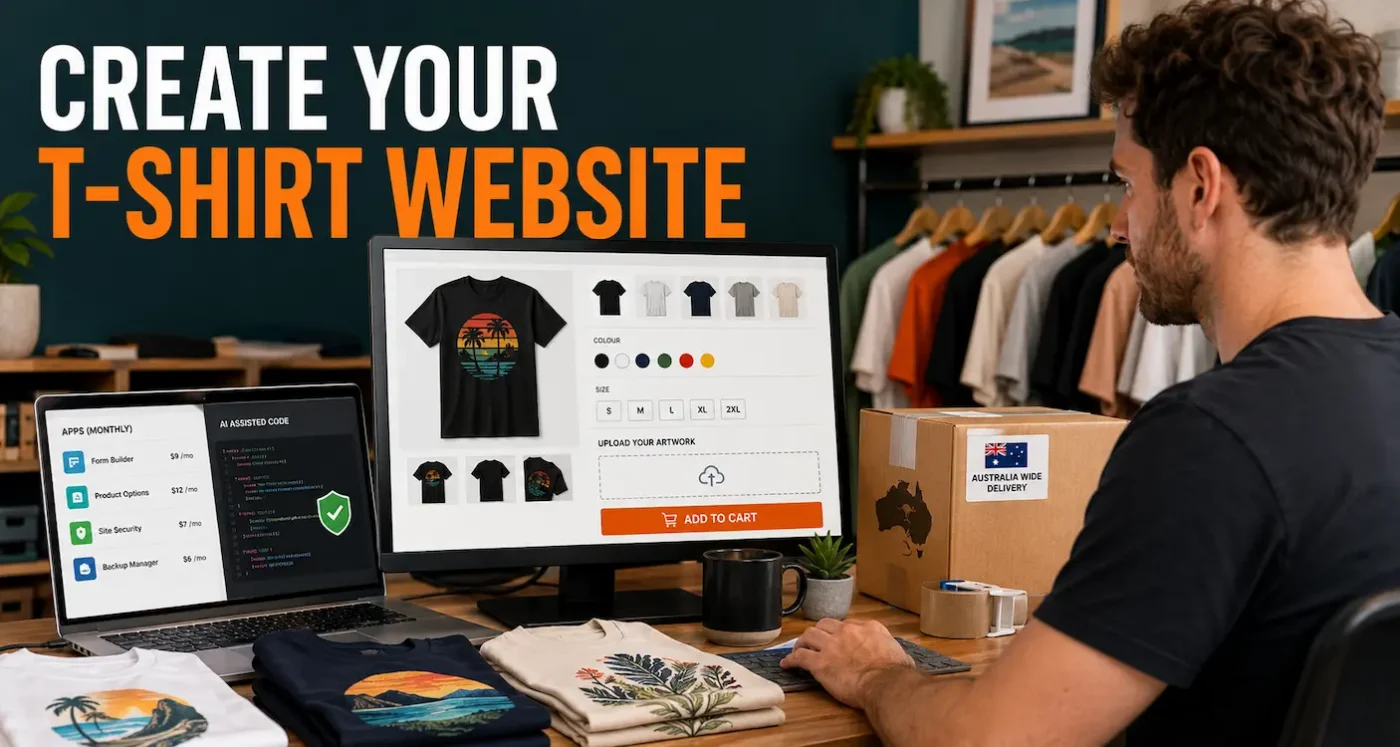
Creating a website for your T-shirt business starts with working out how customers will buy. A store selling a small collection of printed tees has different needs from one taking artwork uploads, individual names and bulk orders.
Your website should explain the products, help people choose the right size and make ordering straightforward. This guide walks through the platform, costs, content and practical checks involved in building an online T-shirt store in Australia.
TL;DR: creating a T-shirt website
- Plan the order process first. Decide whether you are selling ready-designed garments, personalised shirts or custom printing.
- Test your hardest requirement before choosing a platform. Artwork uploads, custom pricing and multiple print positions deserve an early trial.
- Compare ongoing costs. Include apps, plugins, payment fees, maintenance and your own time.
- Make buying information easy to find. Customers need sizing, materials, print details, prices and realistic turnaround times.
- Test the whole order. Check the mobile checkout, payment, artwork, confirmation email and production instructions.
- Build useful, accessible content. Clear product information and relevant guides support customers, search engines and AI search tools.
1. Decide what your website needs to do
Write down the steps in one typical order, from choosing a shirt to dispatching it. This becomes your brief for the website.
For a ready-designed collection, customers may only need to select a size and colour. For personalised products, you might need a name field, character limit and preview. Custom printing can require artwork files, print dimensions, placement choices and a quote or approval process.
Start with the products and options you can reliably fulfil. A small, well-presented range is easier to launch and maintain than a large catalogue with unfinished descriptions and uncertain stock.
Set the business rules before building
Decide who you are selling to, how you will produce the garments and what each order must earn after costs. Include blank garments, transfers, pressing time, packaging, fees and likely rework. Our guide to pricing your T-shirts can help you work through the selling price.
Then define what customers can expect: available products, artwork services, production times and support. These decisions should shape the website rather than being improvised after orders arrive.
Choose a domain you control
Choose a domain that is easy to say, spell and recognise. Check the registration rules for your preferred extension with the registrar before buying.
Keep the domain, hosting, store and business email accounts under your business’s control. A designer can have access without being the sole account owner. Record renewal dates, keep recovery details current and enable multi-factor authentication where available.
2. Choose a platform and assess the costs
Shopify and WordPress with WooCommerce are two options worth comparing. The better fit depends on your order requirements and who will maintain the store.
| Consideration | Shopify | WordPress with WooCommerce |
|---|---|---|
| Setup | A hosted platform with store administration in one service. | A WordPress store requiring hosting and configuration, with managed services available. |
| Custom ordering | Check whether built-in features, your theme or an app can handle each requirement. | Check available extensions and whether custom development is needed. |
| Running costs | Allow for the plan, apps, payment-related fees and any custom work. | Allow for hosting, extensions, payment processing, development and maintenance. |
| Maintenance | You still manage products, app choices, access, integrations and order testing. | You or your provider also manage software updates, backups and compatibility. |
Other website builders may suit a simple catalogue. Whatever you shortlist, trial a realistic product before committing. An attractive homepage demonstration will not tell you whether an uploaded logo reaches the correct order or whether additional print positions are charged correctly.
Watch the cost of Shopify apps
Apps can add useful features, but several small subscriptions can become a substantial monthly expense. Check what your plan and theme already provide before adding another app.
Shopify explains that app charges can include subscriptions, usage charges and one-time purchases. Some providers bill externally, so removing an app may also require cancelling a separate subscription.
For every proposed app, record the feature you need, the price at your expected usage and how you would retrieve your data if you stopped using it. Review these costs as the store grows.
Can AI help create a WooCommerce plugin?
AI coding tools can help draft a small plugin for a specific task, such as adding production notes to an order. Custom code may replace a paid extension or fit your workflow more closely, but it still needs review and ongoing maintenance.
Define the requirement first, build on a separate staging copy and have an experienced developer check security, data handling and compatibility. Keep a recoverable copy of each working version and test what happens when information is missing, a payment fails or an order is refunded.
Be especially careful with code that changes prices, handles uploads or accesses customer information. A successful demonstration does not establish that the plugin is safe for a live store. Budget for someone to maintain it after WordPress, WooCommerce or other extensions change.
Calculate the cost of ownership
Compare the first year and the likely ongoing annual cost. Include the domain, email, hosting or platform plan, theme, extensions, payment fees, setup work and support. Add photography, writing and the time needed to manage products.
For example, four hypothetical apps at A$25 a month add A$1,200 a year before the store plan or payment fees. Custom development may reduce subscriptions, but it creates a separate maintenance cost. Compare the complete arrangements rather than the lowest advertised starting price.
3. Plan the pages and design
Use familiar navigation labels such as Shop, Sizing, How It Works and Contact. Customers should be able to move from a product to its size guide or delivery information without losing their place.
- Home: explain what you sell and direct visitors to the main range.
- Shop and product pages: organise products into useful collections.
- How it works: explain personalisation, artwork and approval steps where relevant.
- About and contact: introduce the business and provide genuine contact details.
- Help and policies: cover sizing, delivery, care, returns and privacy.
Add a blog when you have useful questions to answer. You do not need a large library of articles before customers can place an order.
Design for phones and accessible use
Check the mobile experience from the beginning. Text should be readable, buttons easy to tap and size options easy to select. Compress photographs so they load promptly without losing the detail customers need.
Use clear form labels, descriptive image text and sufficient colour contrast. Make menus and checkout controls usable with a keyboard. Keep essential details, including measurements and production times, in readable text rather than only inside images.
4. Build product pages that answer buying questions
A customer should understand what they will receive before adding it to the cart. Each product page needs the garment’s fabric composition, fit, available colours and sizes, price, print details and production time.
Provide a measurement chart for the actual garment, explaining how to compare it with a shirt the customer already owns. Identify what the price includes, especially if a back print or personalisation costs extra.
Use photographs of finished samples where possible, including a close view of the print. Identify mock-ups where customers could otherwise mistake them for photographs of the finished product. Check that the displayed print size and position reflect what you can produce.
Our guide to writing useful T-shirt website content covers product descriptions, photography and customer questions in more detail.
5. Set up a reliable custom T-shirt ordering process
Custom orders need clear choices and complete production records. Decide what artwork you accept, whether you check files, whether customers receive a proof and when production begins. Make these conditions visible before payment.
For each ordered item, capture the garment, size, colour, quantity, print location and any personalisation. Link artwork and instructions to that specific item. This matters when one cart contains several shirts with different names or designs.
Test a deliberately awkward order: two shirt sizes, different names and separate front and back files. Confirm that the cart, customer email and order administration all preserve the right details. An uploader is only useful if the person producing the order can retrieve and identify the correct artwork.
If you use DTF transfers, make your upload guidance consistent with your production supplier’s requirements. Our DTF artwork FAQs explain preparing files for our service. Your own store should separately describe any artwork editing or proofing you offer customers.
6. Arrange payments and shipping
Choose a supported payment integration and compare its fees and settlement arrangements. Use the provider’s test mode to check successful and failed payments before accepting orders.
Confirm that a paid order is recorded correctly, a failed payment is not treated as paid and the customer receives a useful confirmation. Check discounts, taxes and delivery charges with realistic baskets.
Separate production time from delivery time
A shirt that takes three business days to make is not ready for dispatch immediately. State when the production period starts, especially if artwork approval is required, and explain delivery estimates separately. Express postage does not automatically mean express production.
Weigh and measure packed orders when setting rates. Test a single shirt, a larger order and every delivery region you intend to serve. If you offer collection, explain where it happens and how customers will know their order is ready.
7. Prepare policies and protect your store
Write policies that reflect how your business actually operates. Cover ordering, artwork responsibilities, dispatch, cancellations, returns and how customers can contact you about a problem.
Australian consumer guarantees apply to relevant online purchases. Personalisation does not remove those rights, so distinguish your change-of-mind policy from remedies for goods that fail a consumer guarantee. Use the ACCC’s consumer rights guidance when reviewing your wording.
Map what customer information your store, apps and marketing tools collect. Use that information to prepare an accurate privacy policy and check the requirements that apply to your business. Obtain professional advice where your obligations are unclear.
Make maintenance part of running the business
Limit administrator access, enable multi-factor authentication where supported and keep recovery details secure. Agree who is responsible for backups, restoring data and dealing with broken integrations.
For WooCommerce, follow a documented update process. Its official update guidance recommends a current backup and staging tests before changes reach the live store. Include checkout, order emails and any custom plugin in those checks.
8. Help customers find your website
Give each product and collection a clear name and a distinct purpose. Write descriptions that answer the questions customers ask: what the garment is made from, how it fits, what can be customised and how long an order takes.
Connect relevant pages with descriptive links. A custom-printing product can link to its artwork instructions; a sizing guide can link back to the relevant range. Avoid publishing several near-identical pages to target slight variations of the same search phrase.
Set up Google Search Console and Bing Webmaster Tools to monitor how search engines access your site. Check that your important public pages can be crawled and indexed, and that product information in structured data matches the visible prices and availability.
For AI search, prioritise clear explanations, specific product facts and accurate business information. Google says its AI search features use the same SEO foundations; they do not require special AI markup or extra machine-readable files. Other services have their own access requirements, and no technique guarantees inclusion or a citation.
Measure completed orders and useful enquiries
Connect analytics to the outcomes that matter: purchases, quote requests and other meaningful enquiries. Test that a purchase is counted once, then compare reports with actual store orders.
Look for practical problems. Customers abandoning a delivery step may need clearer costs; repeated sizing enquiries may point to an incomplete chart. Use these findings to decide what to improve.
9. Test and launch your T-shirt website
Ask someone unfamiliar with the store to place a test order on a phone. Observe where they hesitate, then check what arrived in the order system.
- Products, variants, prices and discounts behave as intended.
- Artwork files and personalisation remain attached to the correct items.
- Payment success, failure and refund workflows work.
- Shipping and collection options match the customer’s location.
- Confirmation emails contain accurate order and turnaround information.
- Stock behaves correctly, including blanks shared across multiple designs.
- Links, forms and contact details work on mobile and desktop.
When moving from staging to your public domain, check that important pages use the intended live addresses and are eligible for indexing. Keep staging private, update any remaining staging references and redirect old URLs if you change them. Make sure the live checkout is out of test mode before taking real payments.
Promote a store that is ready to fulfil orders
Start with a manageable launch. Show actual products, explain who they are for and send interested customers to the most relevant page. Increase promotion as you confirm that ordering, production and customer support work reliably.
If you already sell through social media or markets, our guide to moving a clothing label online covers bringing an existing business to an online store.
Know when specialist help is worthwhile
Get help when a requirement exceeds what you can confidently maintain. Complex pricing, upload security, stock integration and site migrations can justify a developer’s involvement. Agree the scope, ownership, documentation and ongoing support before work starts.
Frequently asked questions
Can I build a T-shirt website without coding?
Yes. A standard store can often use a theme and existing platform features. Complex personalisation, pricing or production workflows may need an app, extension or developer. Test those requirements before choosing the platform.
Is Shopify or WooCommerce better for a T-shirt business?
Shopify may suit a business wanting a hosted store service. WooCommerce may suit one needing more control and able to manage its hosting and software maintenance. Compare a working version of your order process and the full ongoing costs.
Can an AI-built plugin save money?
It can reduce subscription costs for a narrow task, but the saving must be weighed against development review, testing and maintenance. Someone still needs to take responsibility for the code when the store changes.
Do I need a product designer or artwork uploader?
Only if your products require one. Ready-designed shirts may need standard size and colour choices. Personalised or custom-print orders need a reliable way to collect the relevant information, which may be a simple field, upload or quote process.
Do I need to own a DTF printer to sell T-shirts online?
No. You can order ready-to-press DTF transfers and apply them to suitable garments with a heat press. You still need to test the finished products and plan production. Our guide to starting a T-shirt business with DTF transfers explains this approach.
Start with a store you can manage
Build around clear products, a dependable order process and information customers can use. Add features when they solve a real problem and you understand their ongoing cost.
If you plan to press garments yourself, explore DTF transfers and ordering options as part of your production planning. Your website’s promises should match the products and service you can deliver.
