
Film and Finishes
Easy Peel DTF Film: From Cold Peel to Insta-Peel
Jan
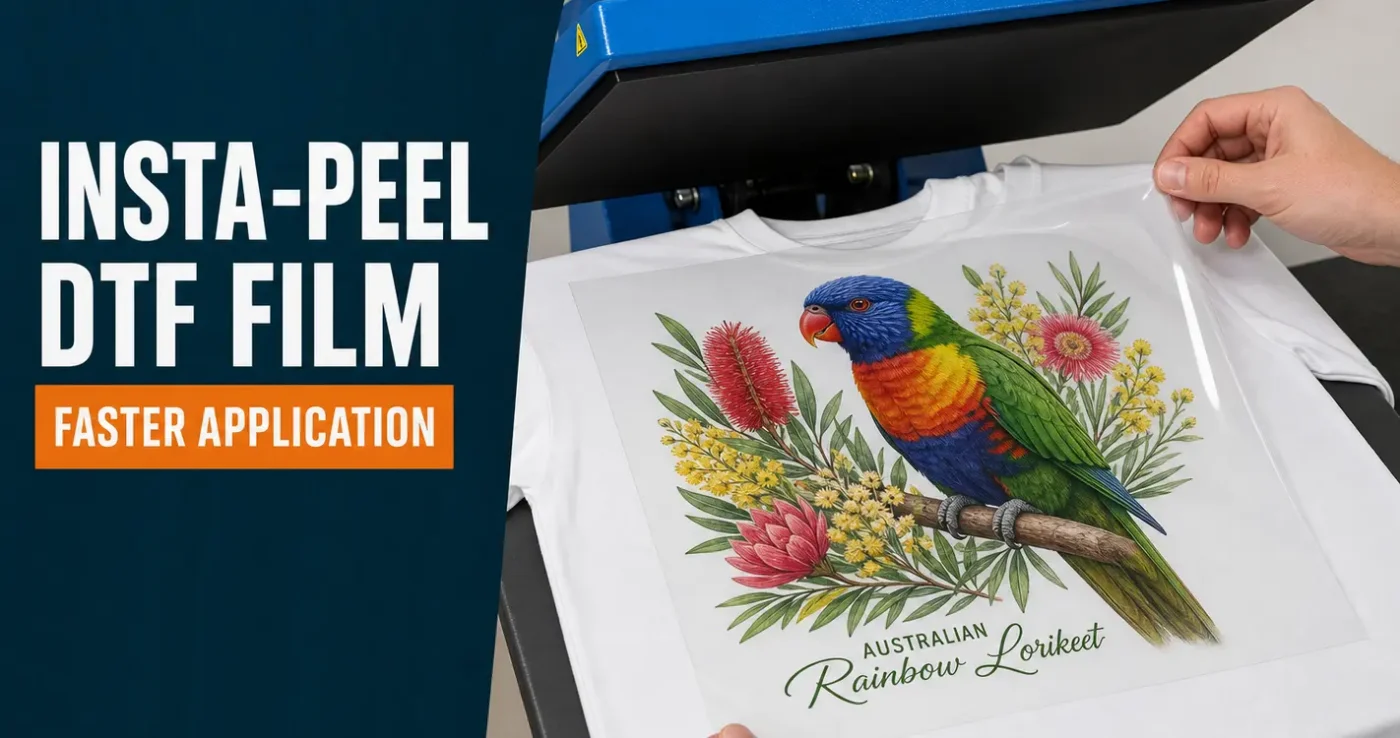
Easy peel DTF film helped make T-shirt printing quicker by reducing the wait before removing the carrier film. Our earlier cold-peel transfers needed to cool completely. Hot-peel film shortened that wait, and our current Insta-Peel transfers can be peeled immediately after the heat press opens.
The main difference is when you remove the film. You still need the correct heat, pressing time and pressure to attach the design to the garment. This guide explains the peeling terms, how the process has changed and which settings to use for our Insta-Peel transfers.
TL;DR — cold peel, hot peel and Insta-Peel
- Cold peel: let the transfer and garment cool completely before removing the film.
- Earlier hot peel: a short wait was often needed before peeling. The timing depended on the product.
- Insta-Peel: remove the film immediately after pressing, while it is hot.
- Our current cotton starting settings: 140°C for 8–10 seconds, with firm pressure.
- Our current polyester starting settings: 120°C for 30 seconds, with firm pressure and a cold peel only.
- Finish both with a second press: after peeling, cover the design and press for 10 seconds at the same temperature.
- Our speciality transfers are cold peel. Use their separate instructions, not the Insta-Peel settings.
These settings are for DTF Transfers Australia Insta-Peel transfers applied with a heat press. Test the actual garment first and check the current Insta-Peel fitting instructions before production.
What is DTF film?
DTF film is the coated carrier used to hold a design during direct-to-film printing. The design is printed onto the film and prepared with adhesive so it can be transferred to a garment using heat and pressure.
After pressing, the carrier film is removed. The printed design and adhesive stay on the garment; the clear film does not become part of the T-shirt.
If you are new to the process, our guide to direct-to-film T-shirt printing explains how ready-to-press transfers work.
Why does the film matter?
The film needs to hold the design during production and release it cleanly during application. Its coating helps determine when the film can be peeled and can influence the surface finish of the print.
The finished result also depends on the ink, adhesive, artwork and application. A film described as easy peel cannot compensate for an unsuitable garment or uneven pressure.
From easy peel to Insta-Peel
Cold peel: wait until the transfer is fully cool
Our earlier cold-peel process required the garment and transfer to cool completely before the film was removed. In a batch of shirts, this meant setting garments aside, keeping them in order and returning them to the press for finishing.
Cold peel still has a role today. It remains the correct application method for our speciality finishes.
Hot peel: a shorter wait
Earlier hot-peel films reduced the cooling wait. Some required a pause of a few seconds before the film would release cleanly, allowing the operator to finish each garment with less handling.
The term easy peel describes the ease of removing the film, but it does not give you an exact peeling time. Similarly, hot peel does not always mean instant peel. Follow the instructions for the transfer rather than relying on the name alone.
Insta-Peel: remove the film immediately
Our Insta-Peel transfers are designed to be peeled as soon as the heat press opens. There is no deliberate cooling pause between the initial press and removing the film.
This makes the application sequence straightforward: press the transfer, peel the film and complete the finishing press. The garment can then cool before folding or packing.
Cold peel, hot peel and Insta-Peel compared
| Peeling method | When to peel | What it means when printing |
|---|---|---|
| Cold peel | Once the garment and transfer have cooled completely. | Allow cooling time and space before peeling and finishing. |
| Earlier hot peel | After the short pause specified for that film. | Less waiting than cold peel, but timing still matters. |
| Insta-Peel | Immediately after the press opens, while hot. | Peel and move straight to the finishing press. |
These are peeling methods, not universal temperature settings. A transfer’s film, adhesive and intended fabric all matter when choosing the application settings.
Does instant peeling mean a lower pressing temperature?
Not automatically. The peel timing tells you when to remove the carrier film. It does not tell you which temperature or pressing time will bond the transfer to the garment.
Our current Insta-Peel settings are listed below. Do not use them for old stock, a different supplier’s transfers or our speciality finishes unless the instructions for that product specify them.
What does Insta-Peel change at the heat press?
The practical benefit is less waiting and handling. You can remove the film and complete the finishing press without putting the garment aside to cool first.
This can make it easier to keep personalised orders together, especially when shirts look similar but have different names or sizes. It also reduces the space needed for garments waiting to be peeled.
Instant peeling does not remove the pre-press, finishing press or quality checks. The total time per garment still includes preparation, positioning and inspection.
It also does not guarantee a softer print. The size and coverage of the artwork, ink, adhesive and finishing method all affect how the design feels. Large solid areas will generally feel more noticeable than designs with open spaces.
Current Insta-Peel pressing settings
The following starting settings match our Insta-Peel application guide. They apply to our Insta-Peel transfers used with a heat press, not household irons.
| Setting | Cotton and other suitable fabrics | Polyester |
|---|---|---|
| Temperature | 140°C | 120°C |
| Initial press | 8–10 seconds | 30 seconds |
| Pressure | Firm | Firm |
| Peel | Immediately, while hot | Cold peel only — cool completely before peeling |
| Finishing press | 10 seconds at the same temperature, with a clean cover sheet | 10 seconds at 120°C, with a clean cover sheet |
Test before production. Heat presses differ in temperature accuracy and pressure, and garments vary in heat tolerance. A published range is a starting point for testing, not a guarantee that every combination within it will suit every garment.
How to apply Insta-Peel DTF transfers
You will need your transfer, a suitable heat press, the garment and a clean cover sheet such as parchment paper, baking paper or a Teflon sheet. Heat-resistant tape can help keep a transfer in place on a difficult surface.
- Prepare the garment. Remove lint and pre-press to flatten the print area and remove moisture. If steam appears, allow it to escape and repeat as needed until the garment is dry. Check the fabric’s heat suitability throughout.
- Position the transfer. Place the printed adhesive side against the fabric, with the clear carrier film facing upwards. Check placement before pressing.
- Add the cover sheet. Cover the transfer without moving it.
- Press evenly. Use the settings established for your garment. Keep seams, collars, zips and other raised areas from interfering with contact across the design.
- Peel immediately. Open the press, remove the cover sheet and carefully peel the carrier film while the transfer is still hot. Use a smooth, even movement.
- Complete the finishing press. Cover the exposed design with a clean cover sheet and press for 10 seconds at the same temperature as the initial press.
Inspect the finished print and allow the garment to cool before folding or packing. If the design lifts during peeling, stop and follow the checks below.
Using Insta-Peel transfers on polyester
Polyester garments can develop press marks, shine or colour changes under heat. Garment dye can also move into the transfer, a problem known as dye migration.
Our polyester starting settings use 120°C with a 30-second initial press and a cold peel only. The lower temperature can help limit heat-related problems, but it does not make every polyester garment suitable. Always test on a spare garment first — heat presses and fabrics vary.
Test the actual garment style and colour, particularly with performance fabrics, coatings or sublimated garments. Allow time to assess colour changes, as dye migration may become visible after pressing. Read more in our guide to DTF transfers on polyester.
Test the press, garment and complete application
A clean peel is useful feedback, but it is not a complete durability test. The film can release even when the finished bond needs improvement.
Test the full process on the garment you intend to use, including pre-pressing and the finishing press. Inspect the edges, small details, fabric condition and print colour. After the recommended waiting period, wash-test the sample using the care instructions.
Record the settings that work. If you need to adjust them, change one factor at a time so you can identify what helped. Check the press’s temperature accuracy and evenness of pressure if results vary across the design.
Moisture is another possible cause of inconsistent results. Our guide to moisture and DTF transfer application explains why dry garments and appropriate storage matter.
What should you check if the print lifts?
If the design starts to lift with the carrier film, stop peeling. Carefully lay the film back into position, replace the cover sheet and repress as directed in the fitting guide before trying again. Do not keep pulling the film away from a lifting design.
Before continuing the job, check:
- The transfer type: confirm it is Insta-Peel and that you are using the correct instructions.
- Moisture: make sure the garment was properly dried during pre-pressing.
- Pressure: check for seams or uneven contact, especially if only one section fails.
- Temperature and time: confirm the press has warmed fully and is applying the intended settings.
- Fabric suitability: a coating or heat-sensitive garment may need a different product or process.
If the problem continues, stop and seek advice before applying more heat or printing further garments. Repeated pressing can damage the fabric without solving the underlying issue.
Why our speciality transfers still use cold peel
Our speciality DTF finishes are cold peel and are supplied on sheets, not gang sheets. Their application requirements differ from our standard Insta-Peel transfers.
Let the speciality transfer and garment cool completely before removing the carrier film. Do not peel while hot or warm, and do not use the Insta-Peel temperature and time table above.
Speciality finishes require a suitable heat press and careful testing. Follow the Cold Peel Speciality fitting instructions and the requirements for the product you ordered.
Cold peel describes how the transfer releases from its film. It does not mean that the product is outdated or lower quality.
Caring for your printed garment
Wait 24–48 hours before the first wash. Turn the garment inside out, use a cool or cold gentle wash and avoid bleach. Air dry, avoid tumble drying and do not iron directly over the print.
Follow the garment label as well as our DTF garment care instructions. Correct care helps preserve a properly applied print, but it cannot repair poor initial adhesion.
Frequently asked questions
Is easy peel the same as Insta-Peel?
Not necessarily. Easy peel is a description, not a precise application instruction. Our Insta-Peel transfers are designed for immediate peeling after heat pressing. Other films described as easy peel may require a different peeling time.
Do all hot-peel transfers need a short wait?
No. Some earlier hot-peel films needed a pause, while instant-peel films are designed to release immediately. Use the instructions supplied with your transfer.
Can I peel a hot-peel transfer after it has cooled?
Some films allow both hot and cold peeling, but that flexibility depends on the product. Our published heat-press method for Insta-Peel is to peel immediately. Do not change the peeling method simply because another supplier’s film allows it.
Do Insta-Peel transfers need a second press?
Yes. Our heat-press instructions specify a 10-second finishing press at the same temperature as the initial press, with a clean cover sheet over the design.
Can I use these settings with a household iron?
No. The settings in this article are for heat-press application. If you ordered our Iron-On DTF Transfers, use the household-iron section of the fitting guide, which has its own pressing and peeling method.
Does instant peeling make a transfer more durable?
Peeling speed alone does not determine durability. The transfer materials, garment, application and washing all affect how the finished print performs.
Choose the right instructions for your transfer
Insta-Peel makes standard transfer application more convenient by removing the cooling wait. For reliable results, match the instructions to the product you ordered, test your garment and complete the finishing press.
Order custom DTF gang sheets or browse our transfer range to find the format and finish that suit your project.
