
Pressing and Care
DTF Pressing Tips: Artwork, Heat and a Clean Peel
May
Originally posted: 7 May 2023. Last updated: 5 October 2026.
Quick summary
Press a dry shirt, at the right heat, for the right time, then peel the way that fabric requires. Cotton and most fabrics: 140°C, 8–10 seconds, firm, peel while hot, then 10 seconds under your own paper or Teflon. Polyester: 120°C, 30 seconds, firm, cold peel only, then 10 seconds at 120°C. A household iron is only for iron-on film. Test before you press a dozen.
On this page
- Quick summary
- Before you press
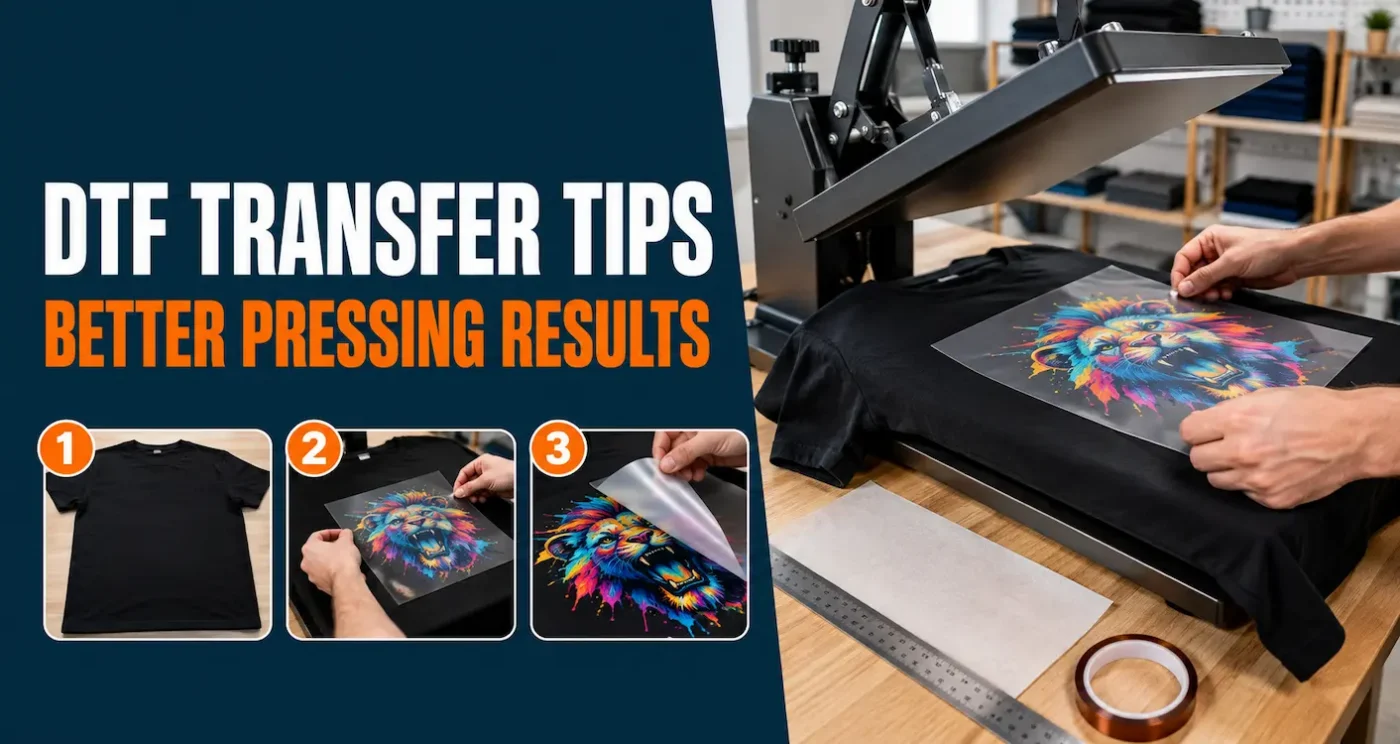
- The pressing steps
- EasyPress and a household iron
- When the print fails
- Washing
- FAQ
Before you press
The press cannot invent detail that was never in the file. Send PNG, JPG, WebP or PDF. A transparent PNG at about 300 DPI at the size it will be on the shirt is the file to build. Crop the empty margin. Keep fine lines at least about 1 mm. Stay under 254 MB. Do not mirror the art. We print the file you upload, spelling and all. Setup notes are in artwork requirements.
Store the sheets flat and dry until you need them. A transfer that lived on a dashboard is a test piece, not a customer shirt. See storing DTF transfers.
Read the garment label. Cotton, polyester, and many blends can take DTF. Coatings, heavy stretch, and a strong dye can still spoil the job. Test the colour you are about to sell.
The pressing steps
- Lint-roll the print area. Fleece and dark shirts hide fibre that shows up under the film.
- Pre-press the empty shirt until it does not steam. If vapour comes off, open the press, let it go, and press again. Moisture is the fault we see most often on a humid day.
- Place the adhesive against the fabric. Keep thick seams off the platen. Tape the film if the shirt will creep.
- Cover the design with your own parchment, baking paper, or Teflon. We do not supply a finishing sheet. Retire the sheet when it picks up adhesive.
- Press. Cotton and most fabrics: 140°C, 8–10 seconds, firm pressure. Polyester: 120°C, 30 seconds, firm pressure.
- Peel. Cotton and most fabrics: immediately, while hot. Polyester: cold peel only, after the shirt and the transfer have cooled.
- Press again for 10 seconds under a clean cover sheet. On polyester, that second press stays at 120°C.
Those times are for our Hot Insta Peel gang sheets and cut sheets. Iron-on film has its own cool-peel steps. Specialty sheets are cold peel and follow the note supplied with that finish. Do not mix the recipes.
EasyPress and a household iron
A household iron is only for products labelled iron-on. It is not for Hot Insta Peel, gang sheets, or standard cut sheets. The pressure changes every time you move your hand, and a large print never gets one even hit.
A Cricut EasyPress is fine when the platen fully covers the design. Treat it as a small heat press for standard sheets and Hot Insta Peel. If the logo sticks out past the platen, use a heat press that covers it. Pressing in two overlapping goes leaves a mark. Always test. Presses and garments vary.
The iron-on product, and only that product, is the household-iron path. It is a different film. Follow its instructions rather than the Insta-Peel heat-press recipe.
When the print fails
- It will not stick, or it lifts as you peel. Dry the shirt, check firm pressure, and confirm the time. On polyester, make sure you waited for a cold peel.
- One area sticks and another does not. Look for a seam, a wrinkle, or a cold spot. Feel is a bad thermometer. The centre can be hot while a corner is not.
- The colour shifts on polyester. That is dye moving into the print. Drop to the polyester settings and test. More heat usually makes it worse. Read DTF on polyester.
- A box shine sits around the design. The platen was too hot, too long, or the cover sheet was dirty.
- It cracks after washing. Check the second press, the peel, and whether the shirt went into the machine the same day.
A large solid print feels stiffer than a design with open space. If hand feel is the complaint, look at the art as well as the press. How to make a DTF print feel softer covers coverage and the finishing press.
Washing
Wait 24–48 hours before the first wash. Wash inside out on a gentle cycle. Do not bleach the print, and do not iron on top of it. For shirts you are selling, wash one sample from that fabric before you press the batch.
FAQ
What temperature should I use for DTF transfers?
For our Hot Insta Peel film, cotton and most fabrics start at 140°C for 8–10 seconds, firm pressure, peeled while hot. Polyester starts at 120°C for 30 seconds, firm pressure, cold peel only. Both get a 10-second second press. On polyester that second press stays at 120°C.
Why is my DTF transfer not sticking?
The shirt was often still damp, the pressure was light, or the peel was wrong for the fabric. Pre-press until there is no steam, use firm pressure, and cold-peel polyester. Do not turn the heat up until you have tested a dry spare shirt.
Can I apply a standard DTF transfer with a household iron?
No. A household iron is only for products labelled iron-on. Standard sheets and gang sheets need a heat press. A Cricut EasyPress is fine when its platen fully covers the design.
Should I peel DTF film hot or cold?
On cotton and most fabrics, peel Hot Insta Peel immediately while hot. On polyester, cold peel only, after the garment and the transfer have cooled. Specialty finishes are cold peel. Follow the sheet in the parcel if it is not a standard Insta-Peel product.
How long should I wait before washing?
Wait 24–48 hours. Wash inside out on a gentle cycle, skip bleach, and do not iron directly on the print. Wash-test a shirt before you commit a whole order to those settings.
